
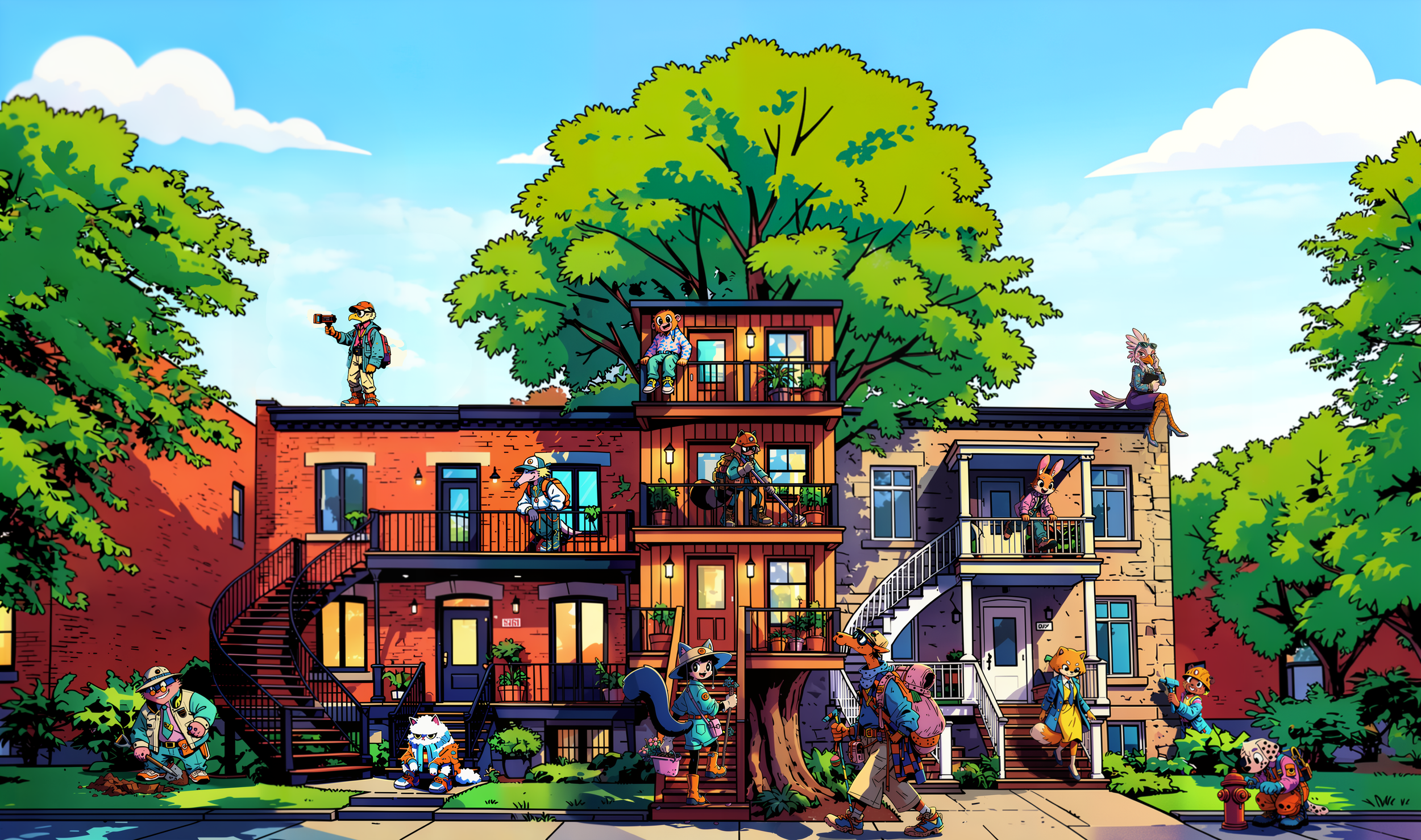
Art Exploration & Tech Integration
A look at art style exploration AI work processes for Borough.
Research
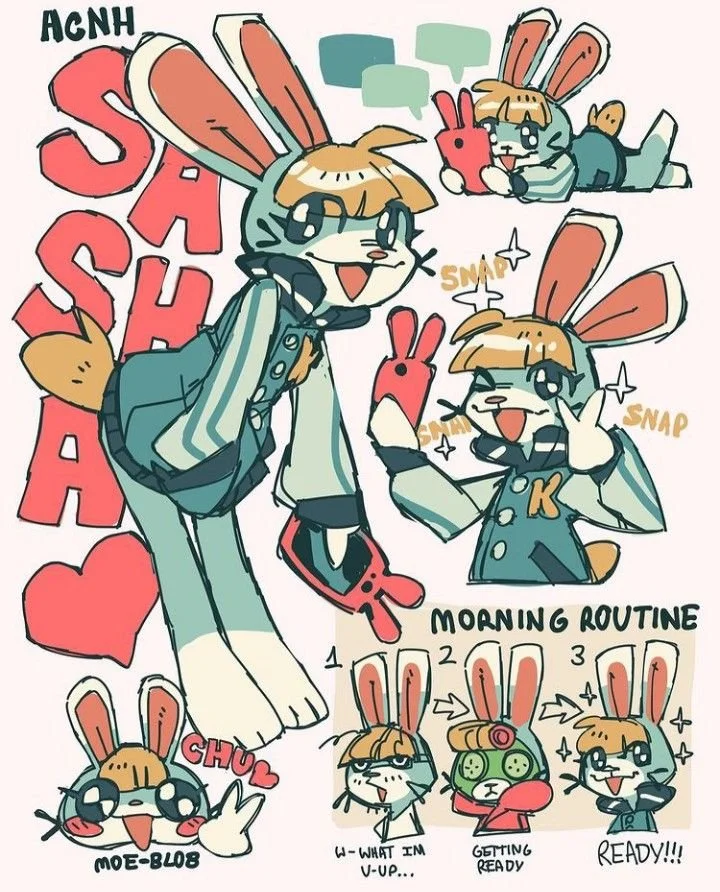
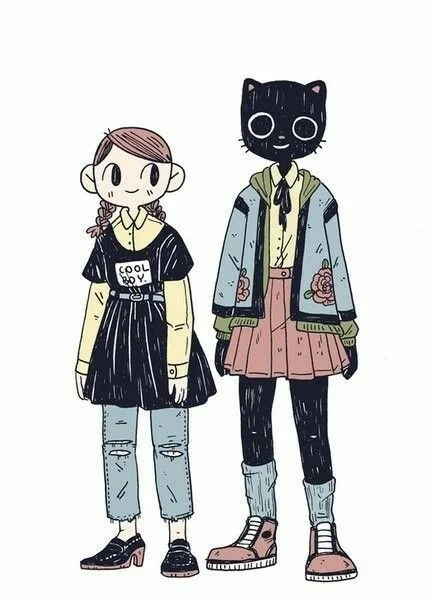
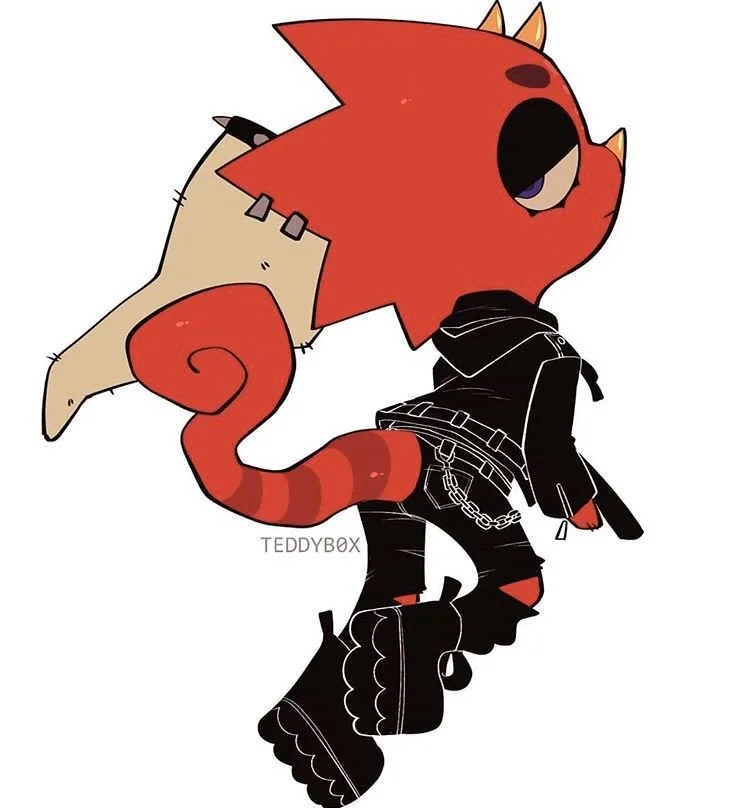
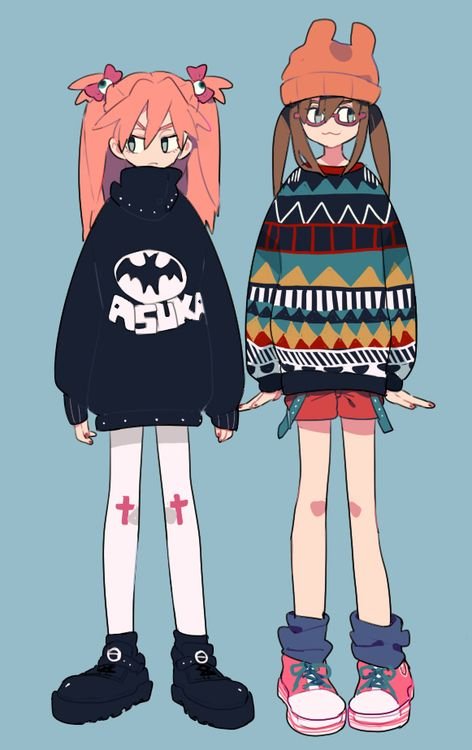
For Borough, I wanted the art style to have some 'cozy game' appeal, but with a more stylized look that fits an urban environment.
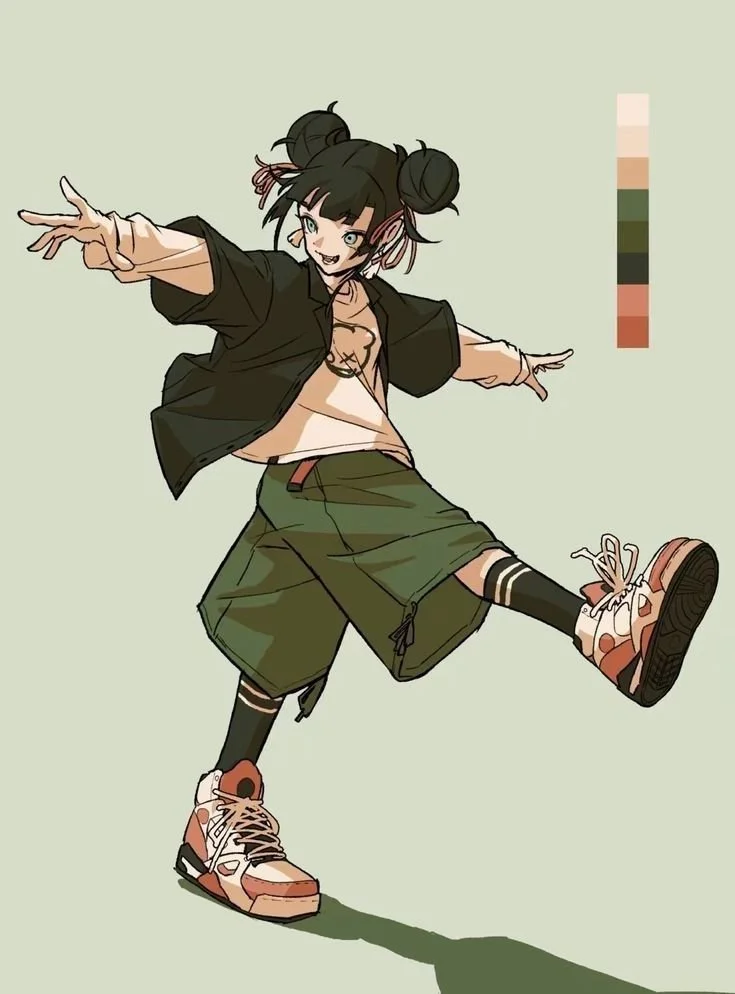
The process started with researching artistic styles. I wanted something heavily stylized yet readable on smaller screens, as I love developing for handheld devices. This involved exploring various platforms like Pinterest and flipping through old issues of Hi-Fructose and Juxtapoz magazines. My goal was to capture an 'anime kawaii' charm mixed with an urban, illustrative feel.
All images below belong to their respective owners and are used for reference only. They were not used to train my Loras.
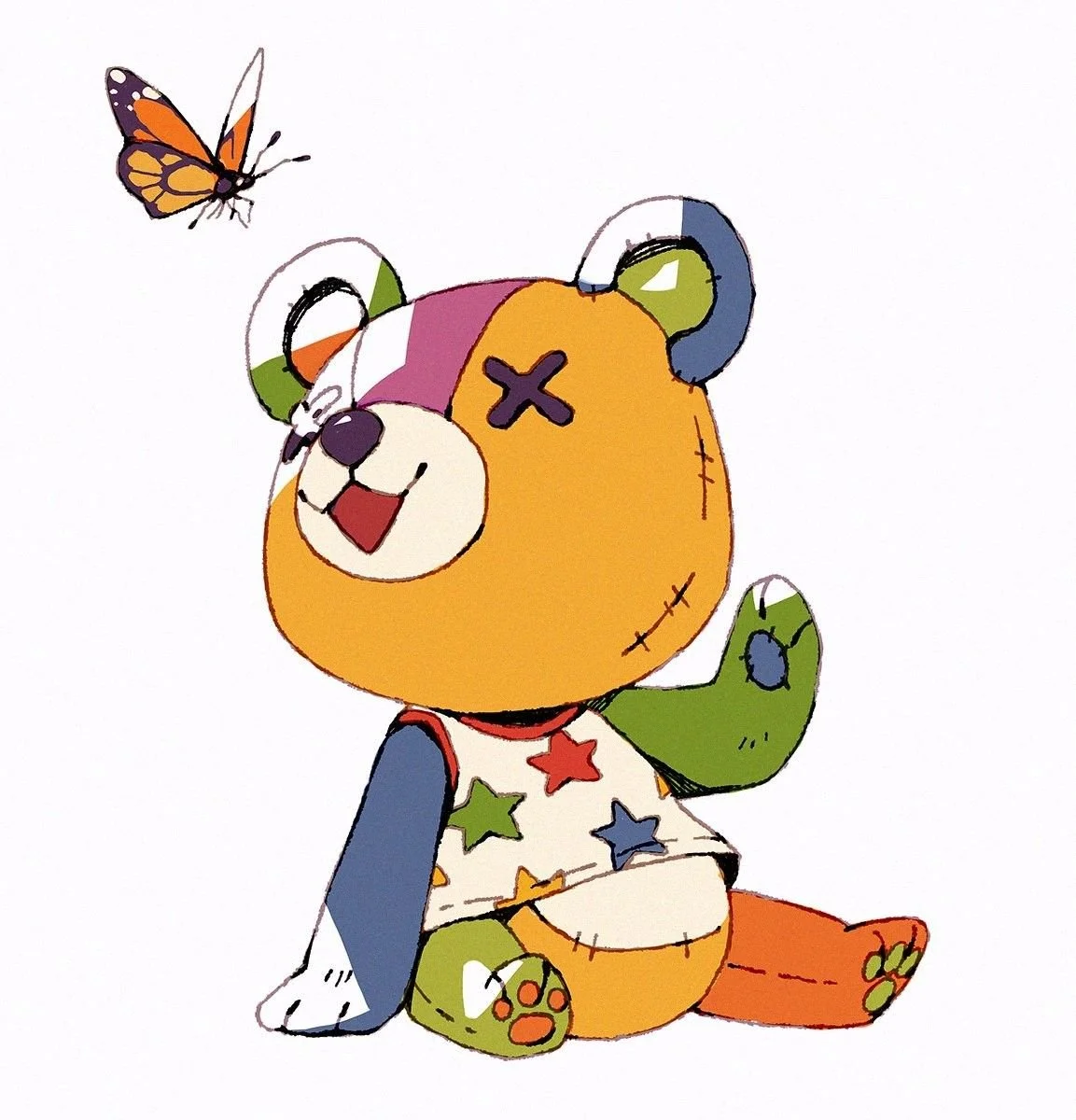
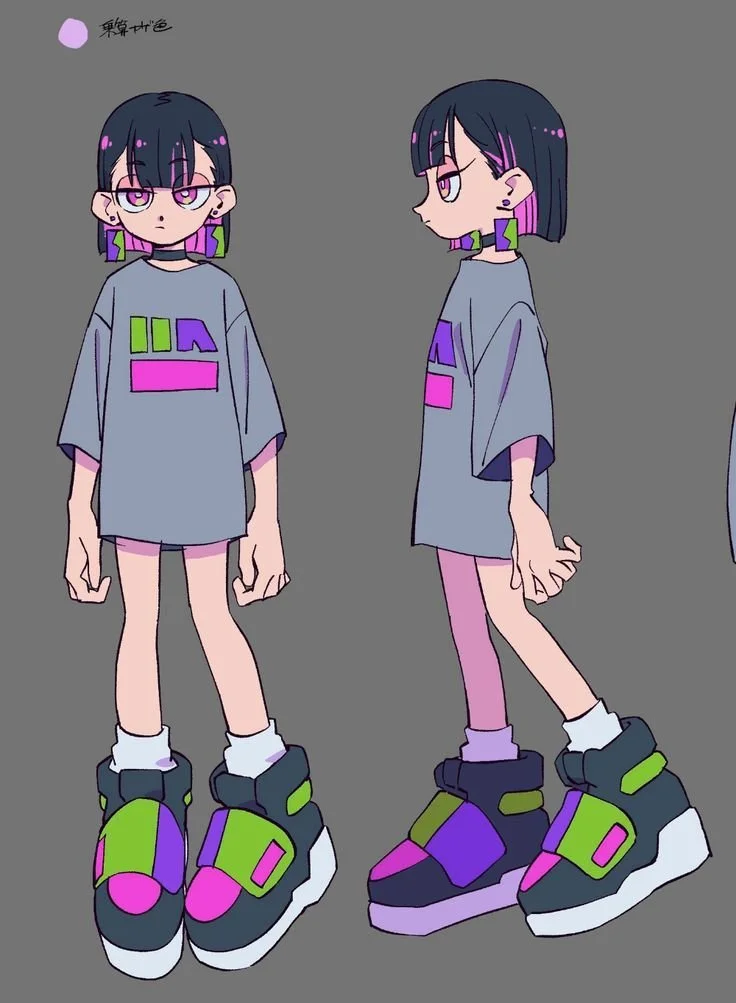
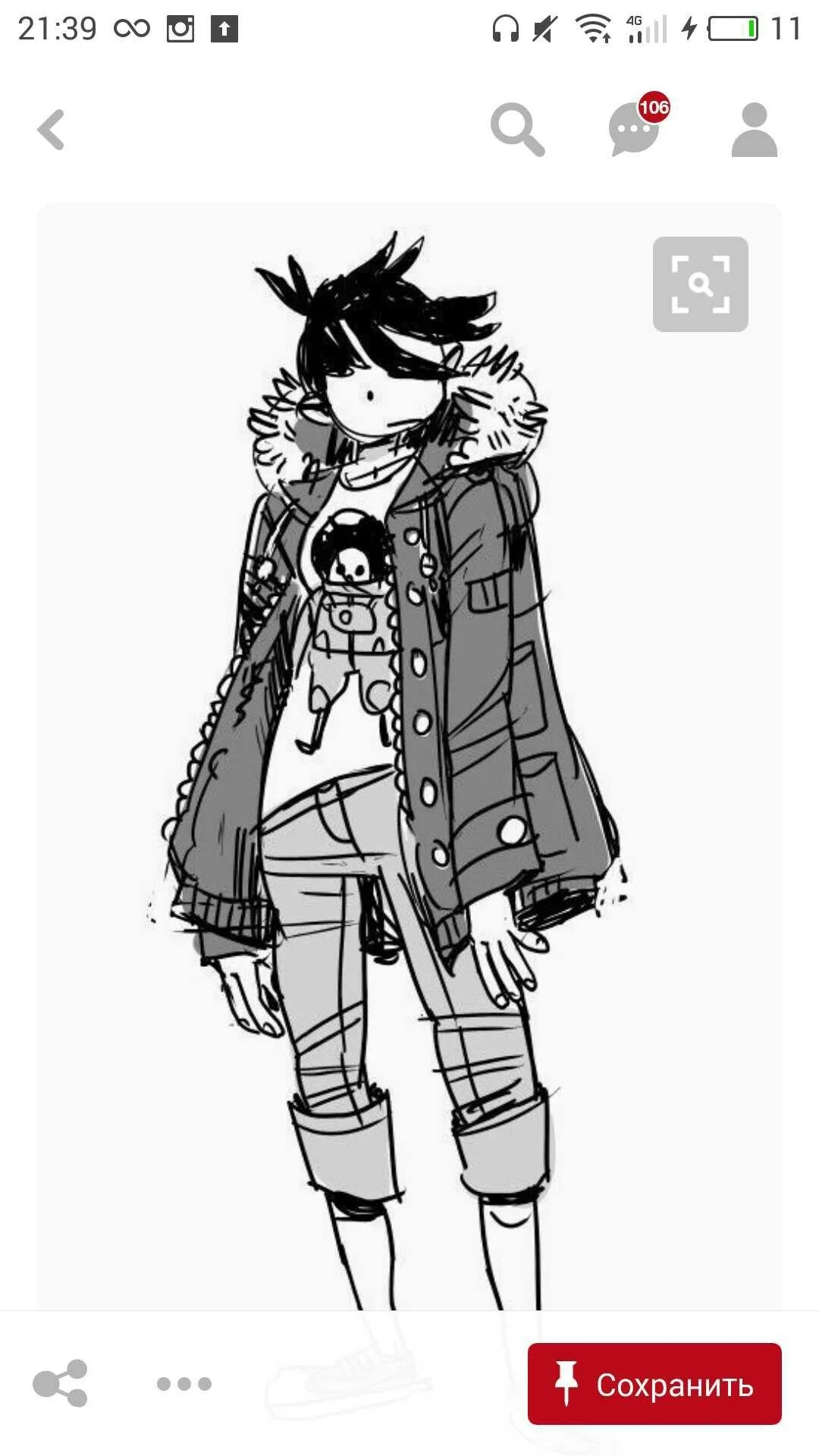
AI EXPLORATION
I am a trained traditional painter, but in game development, I have to be realistic about where my time is spent. Since starting game dev, I have been utilising AI integration to speed up my workflows. I have taken on more of an art director role (among many others as a solo dev).
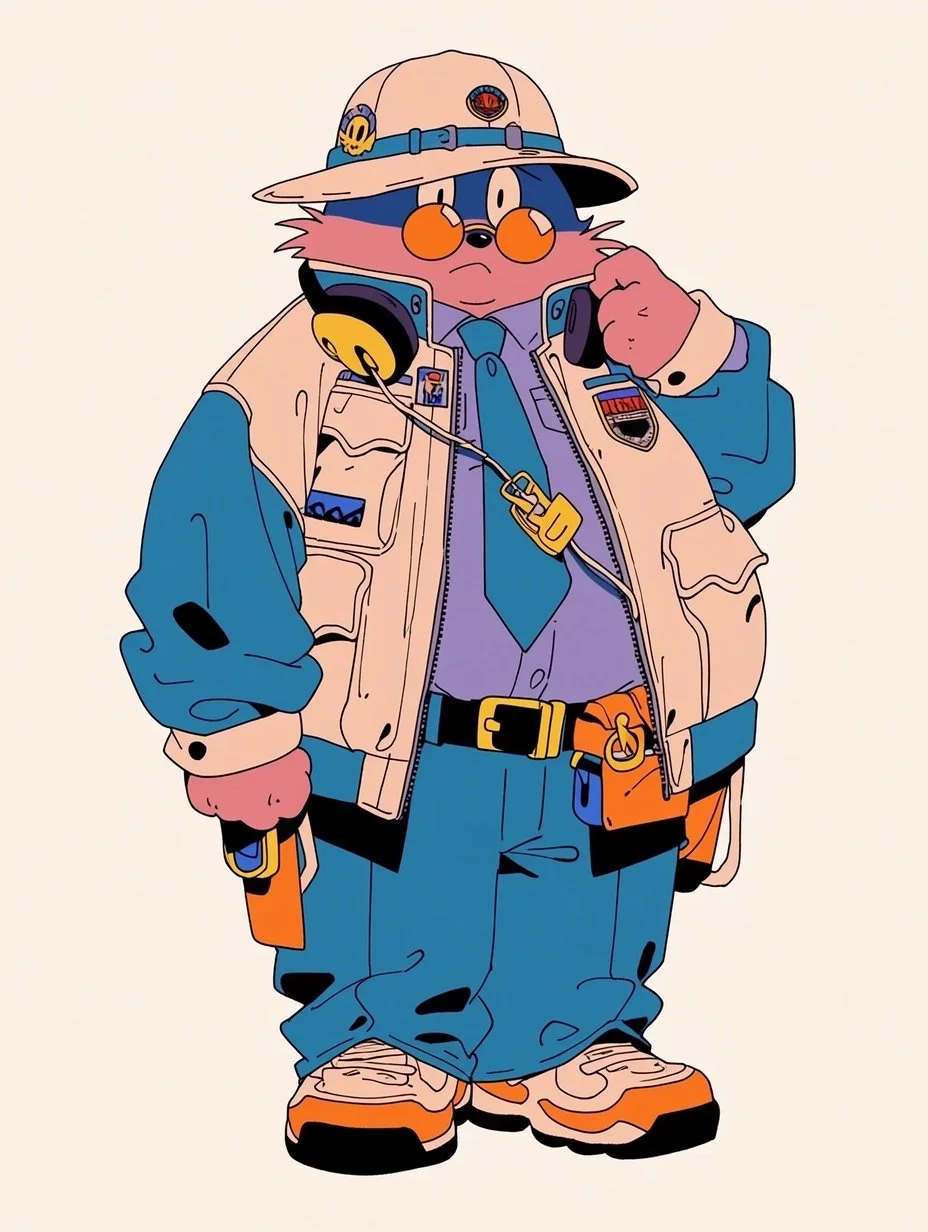
I kept reworking prompts until I found a style I was happy with. I ended up with an indie comic style with some gritty, retro vibes.
AI has its strengths and weaknesses. It feels like I am working with an extremely talented but unrefined assistant; I really have to keep pushing it to produce something interesting, though I think I have it figured out now.
Here are some early style explorations. The anatomy is off, but I was focusing on the proportions and the overall feel of the character designs. I used Midjourney for this exploration. I found Midjourney to be the least consistent tool, but the best for experimenting and broadening styles.
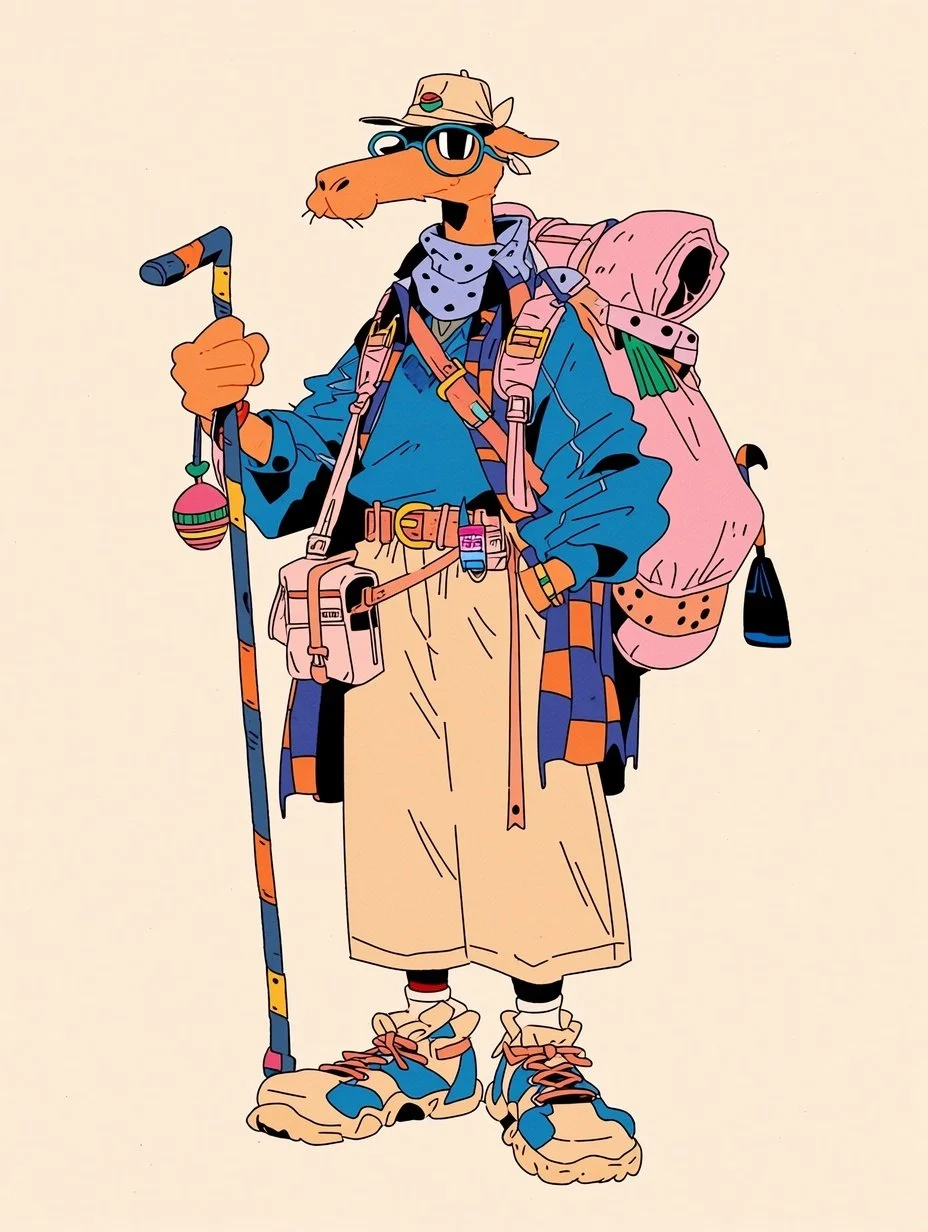
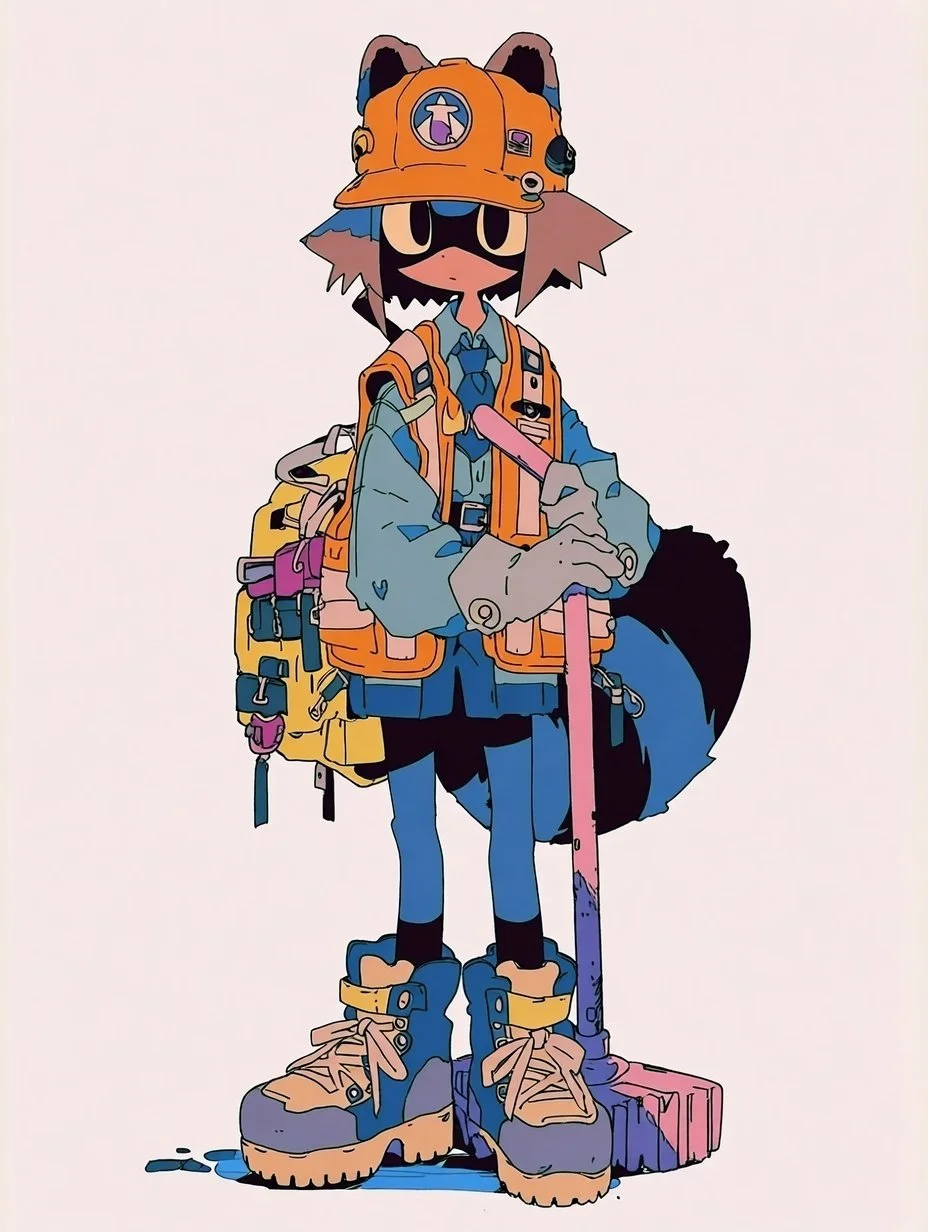
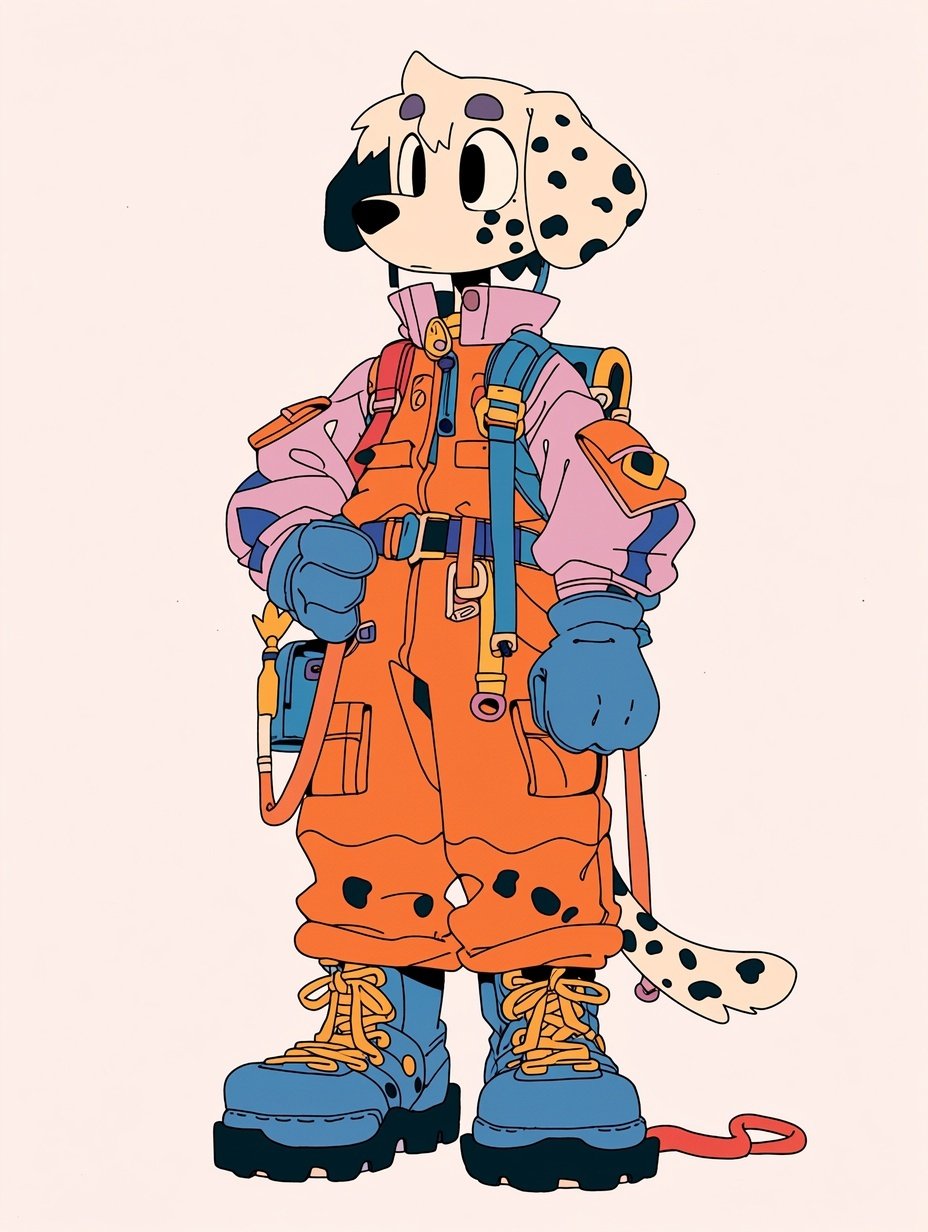
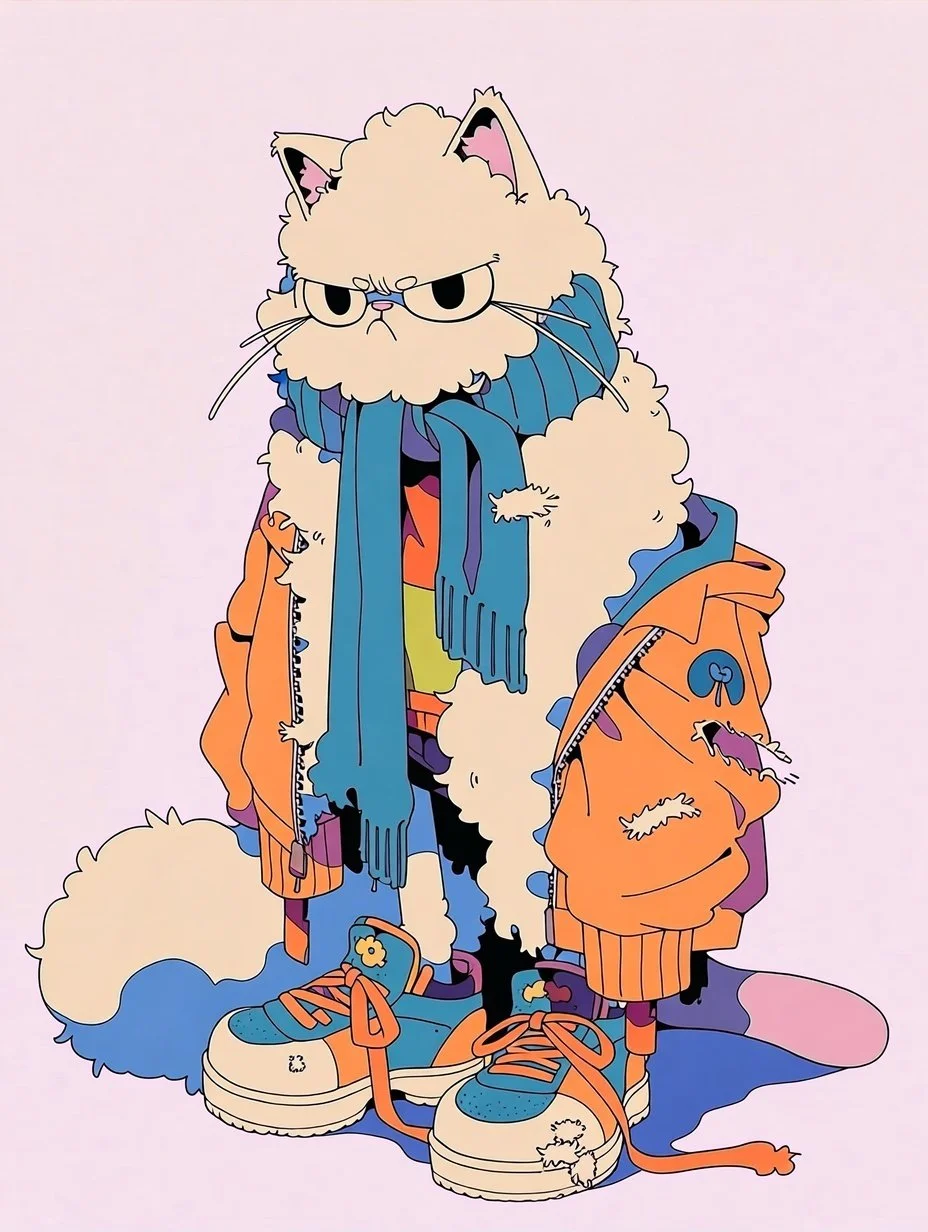
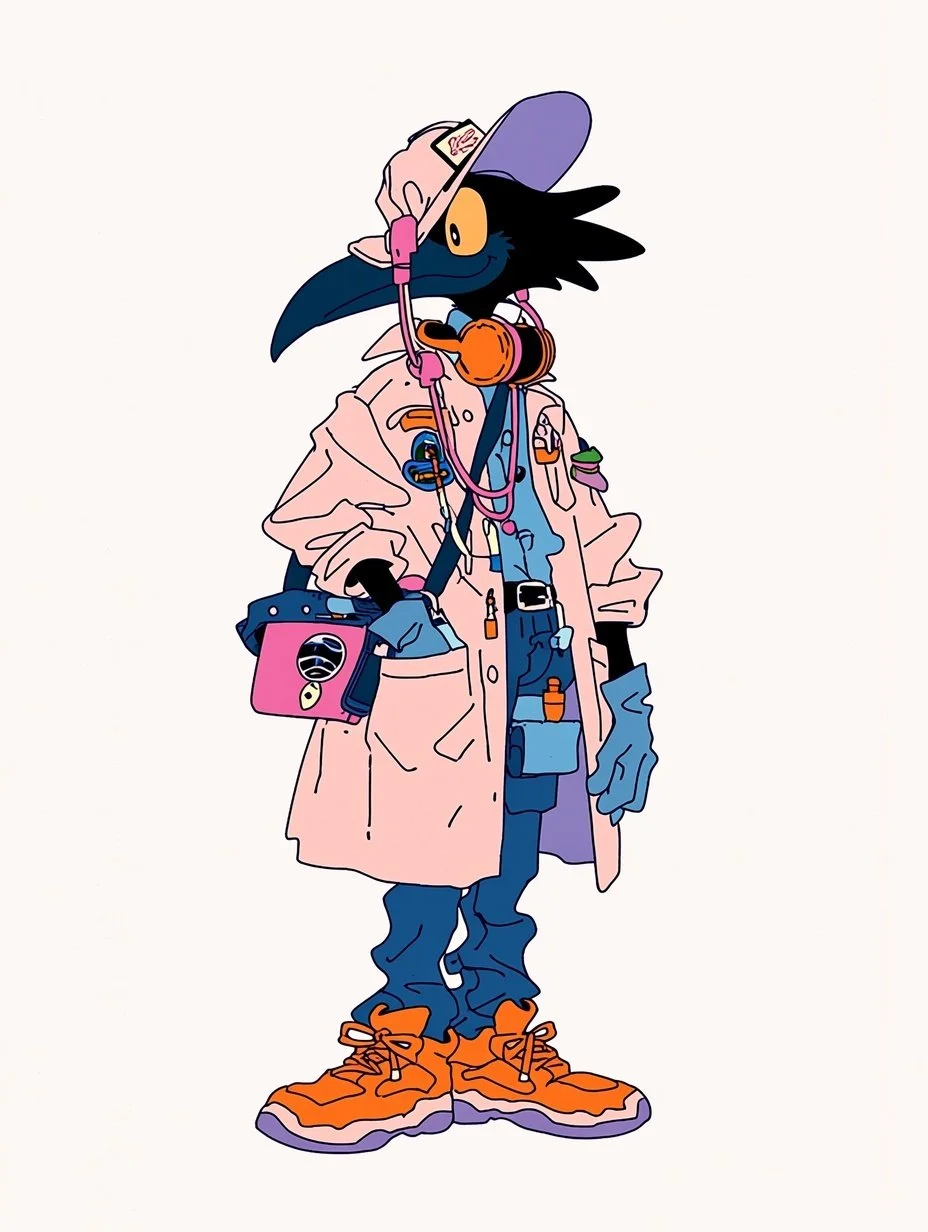
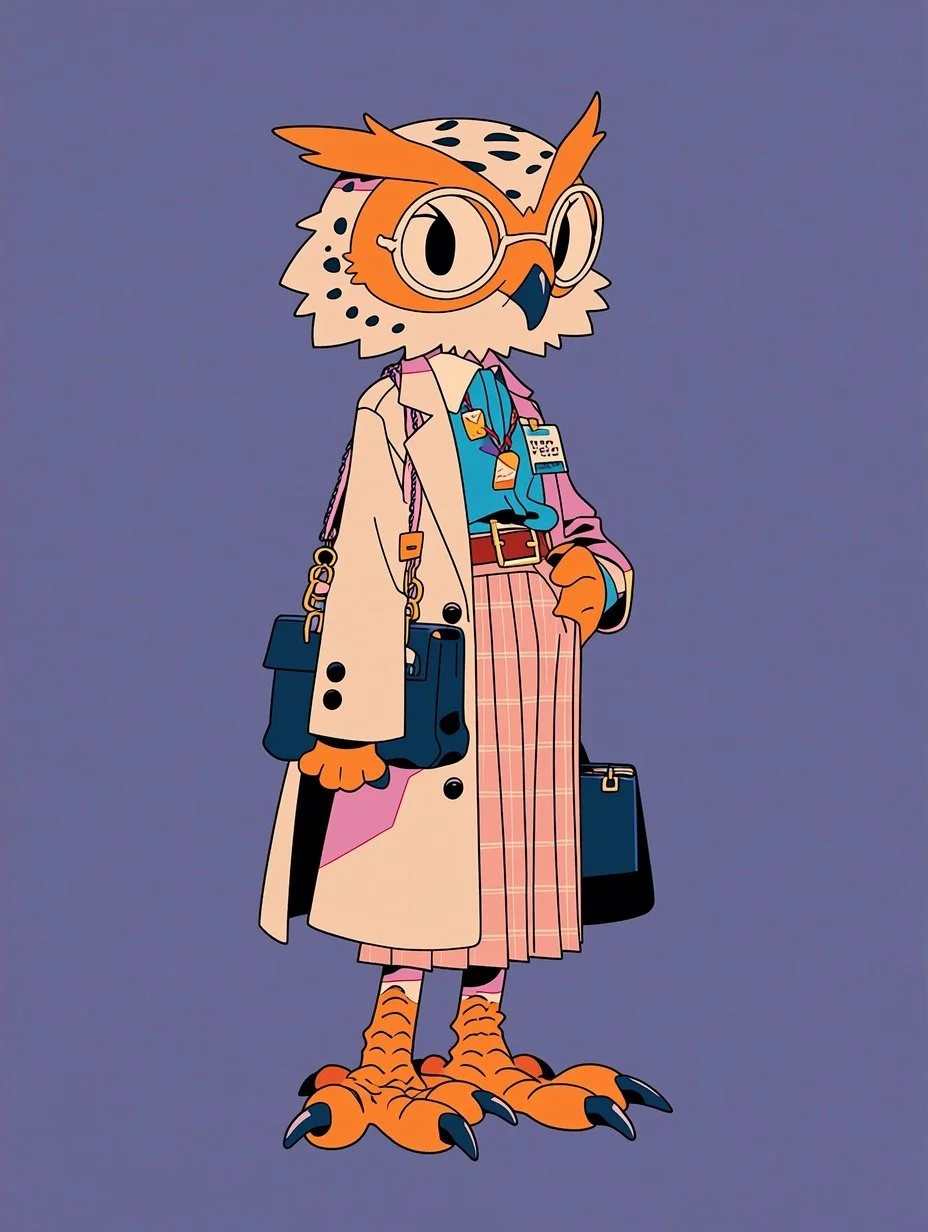
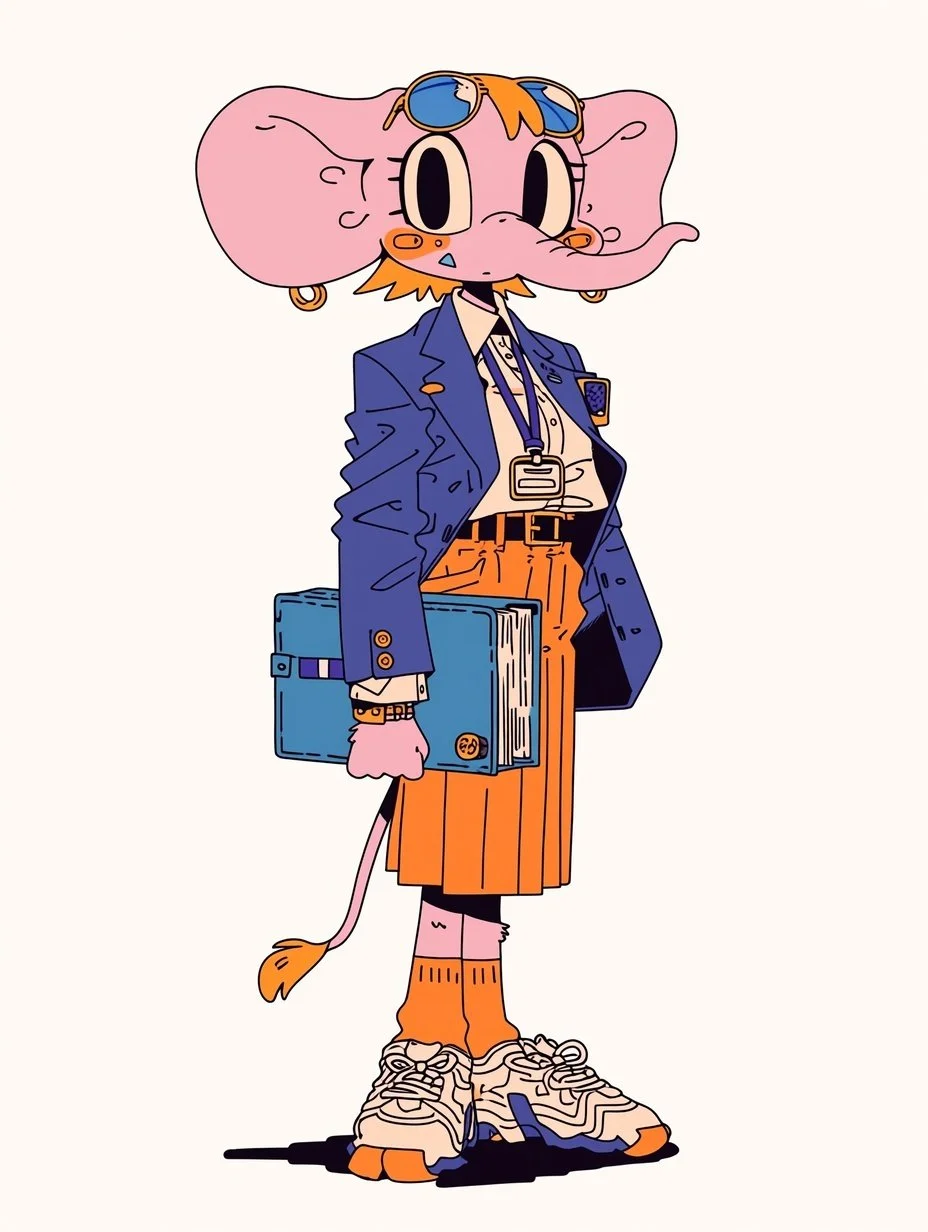
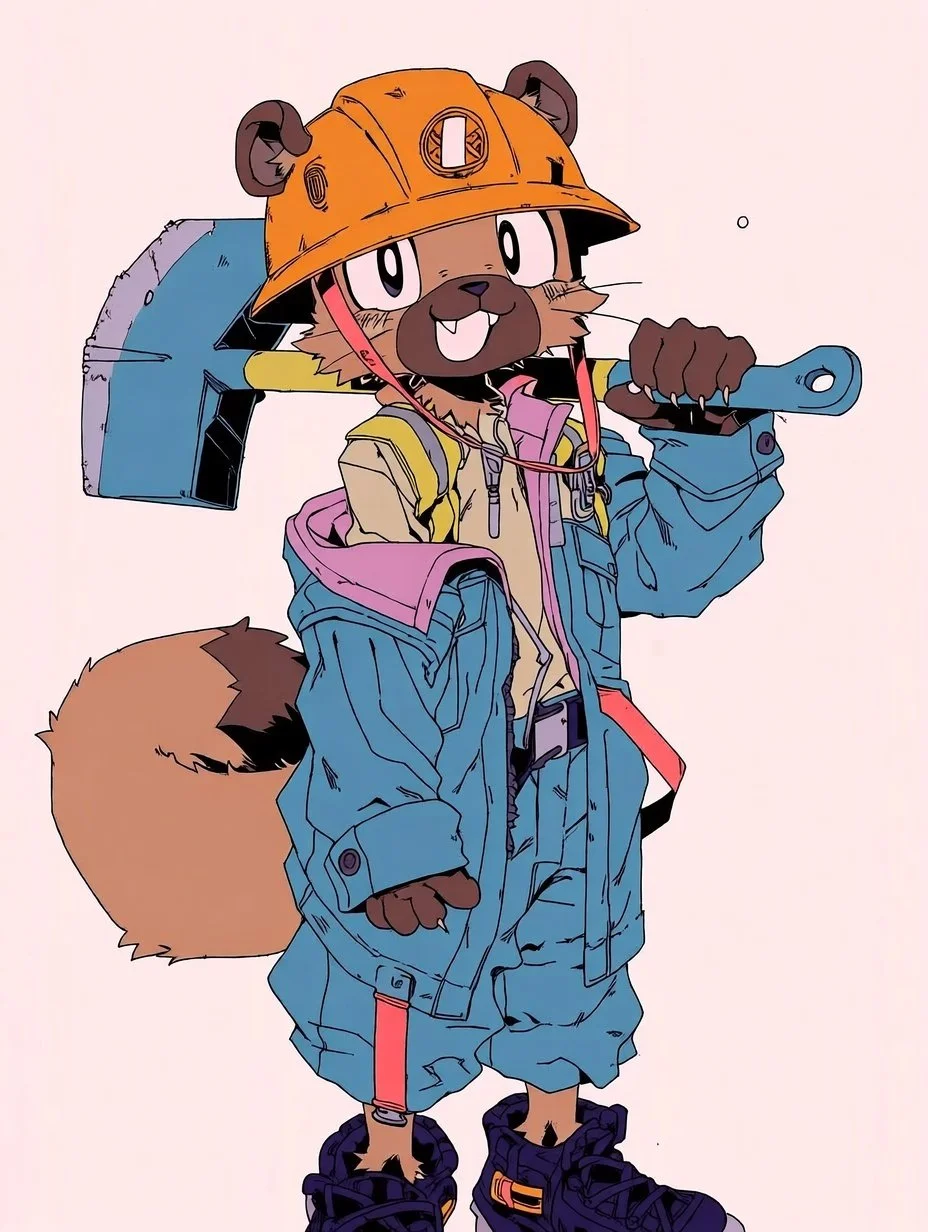
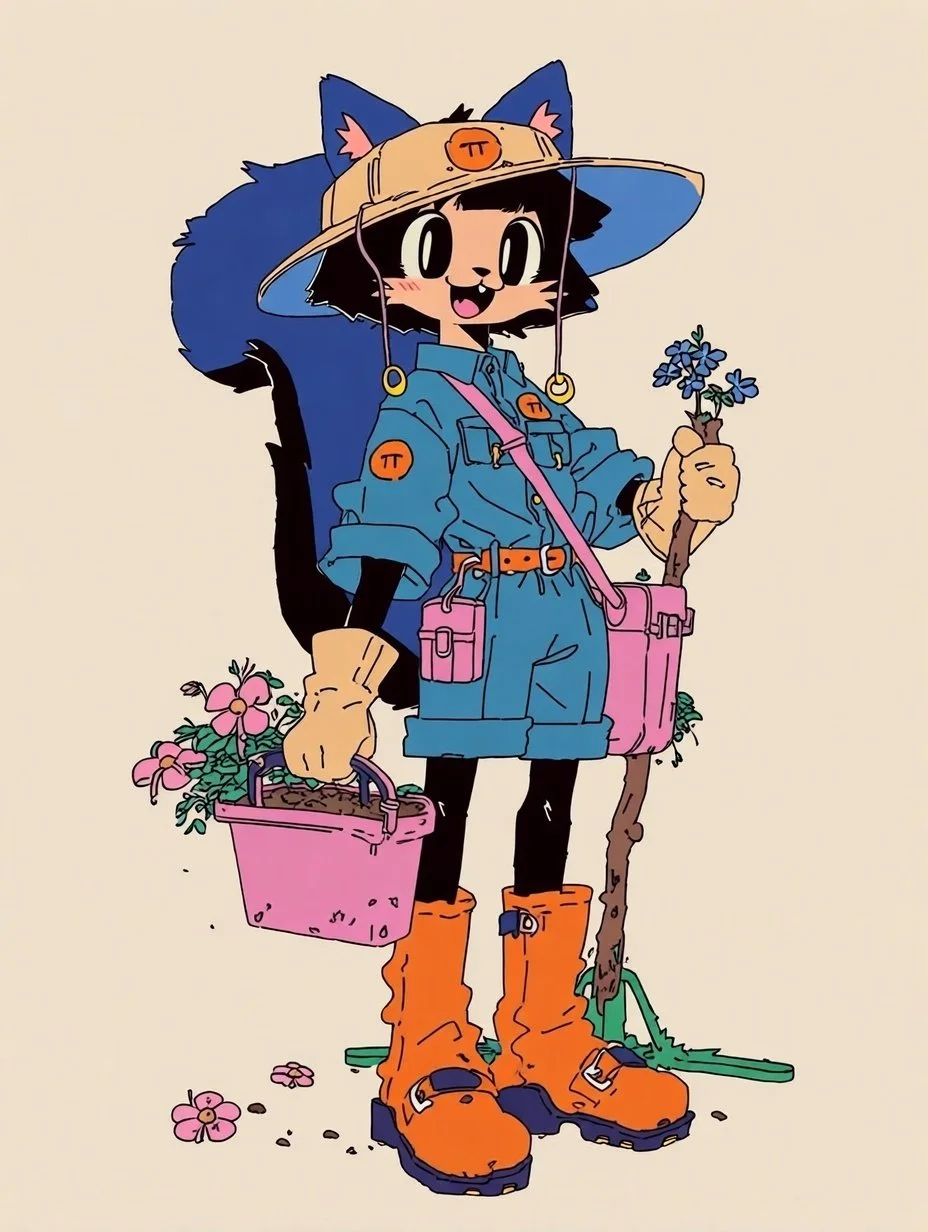
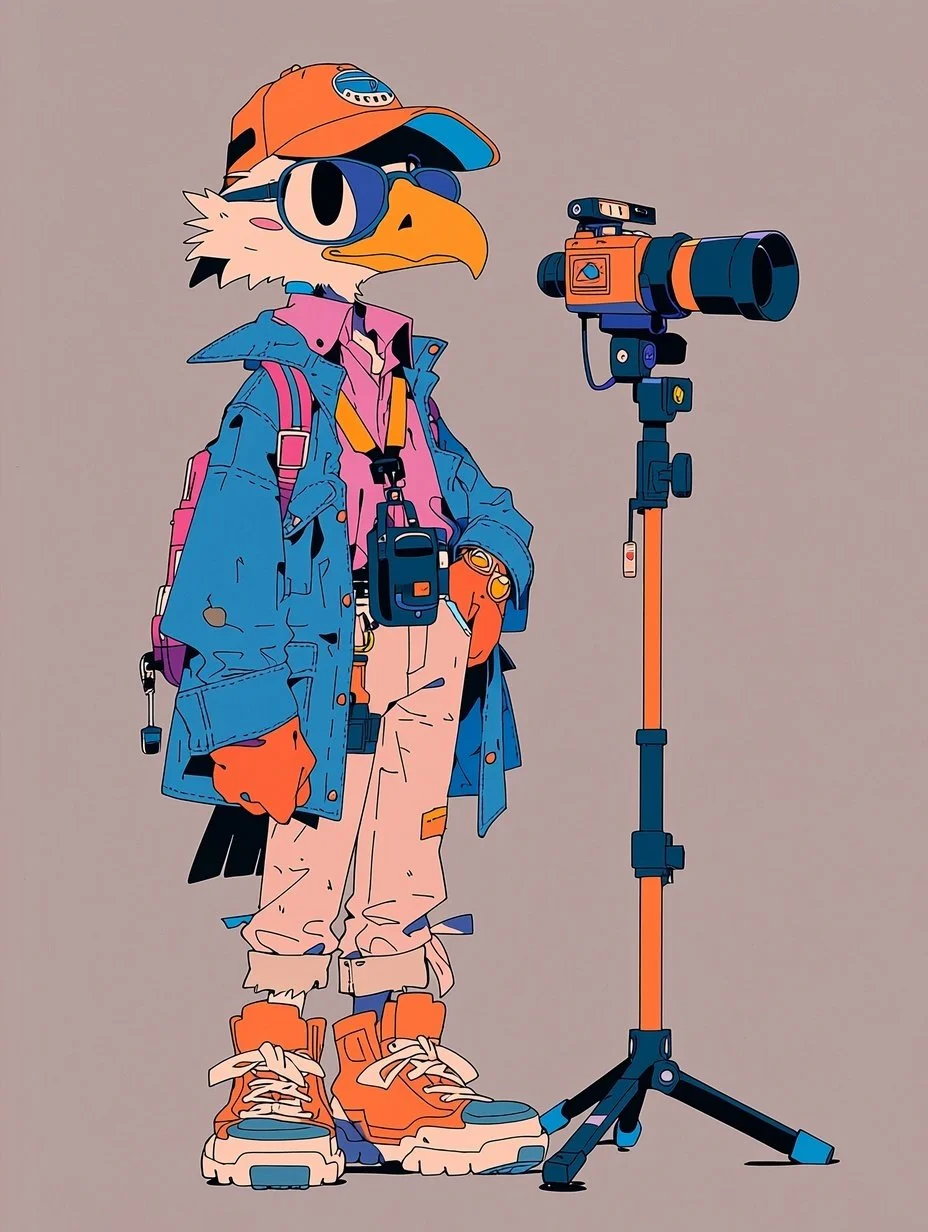
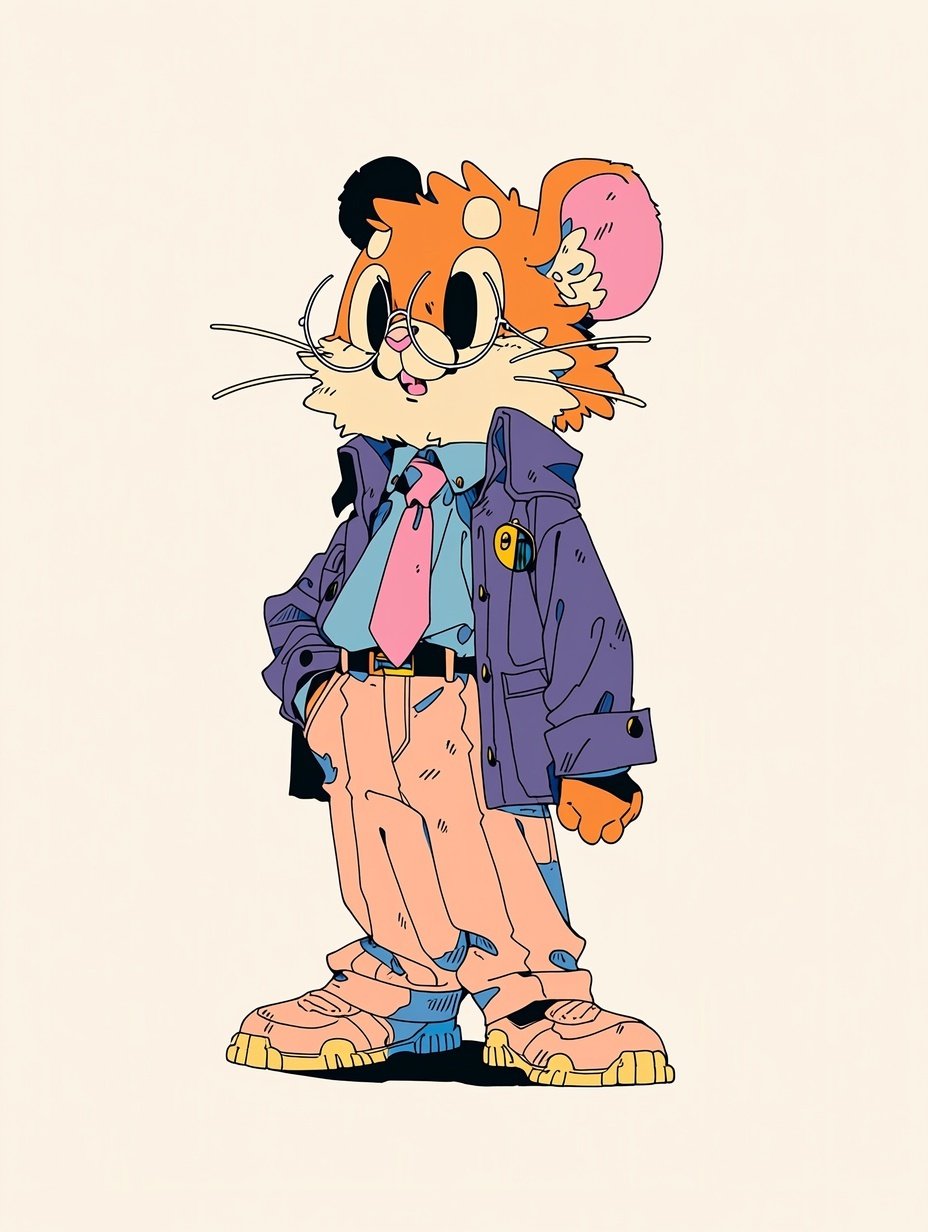
The backgrounds followed the same process. I wanted a cartoony but grounded feel. I eventually settled on an indie graphic novel style with vibrant saturation.
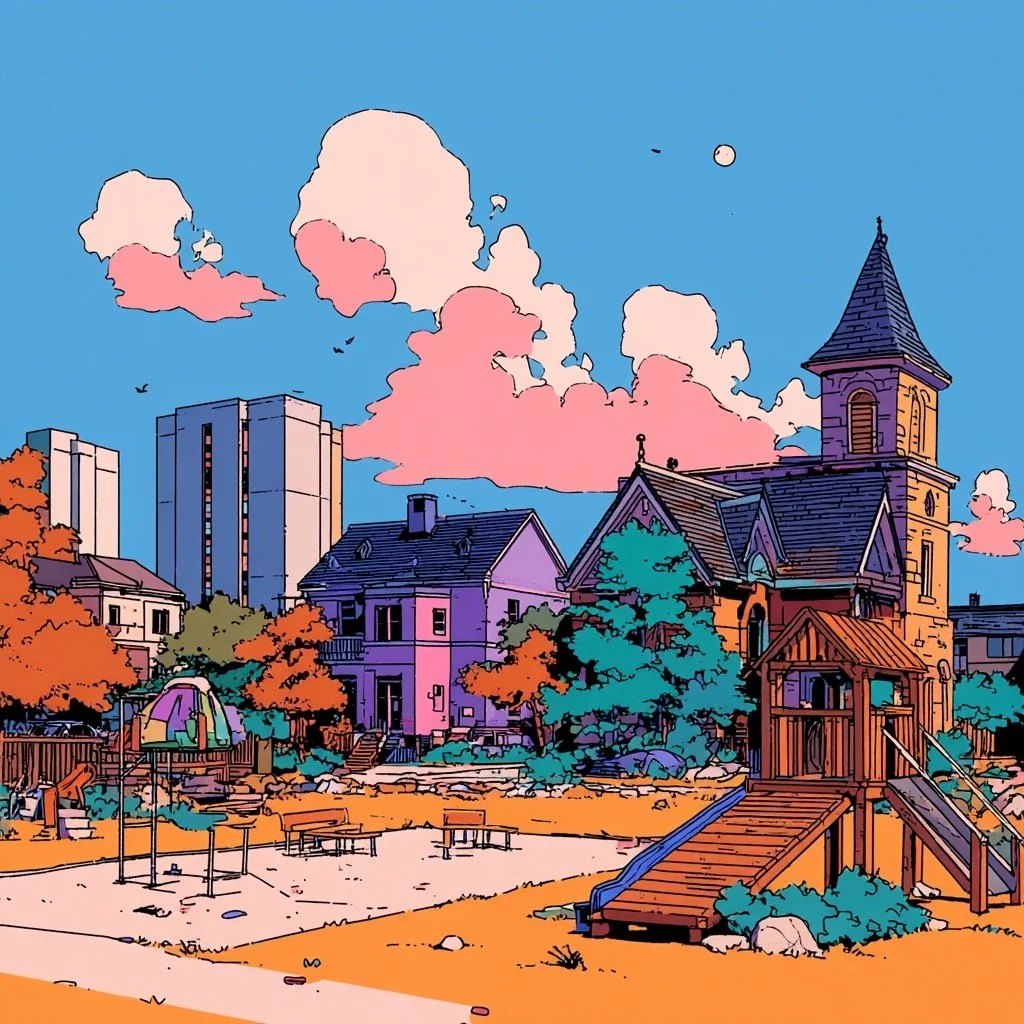
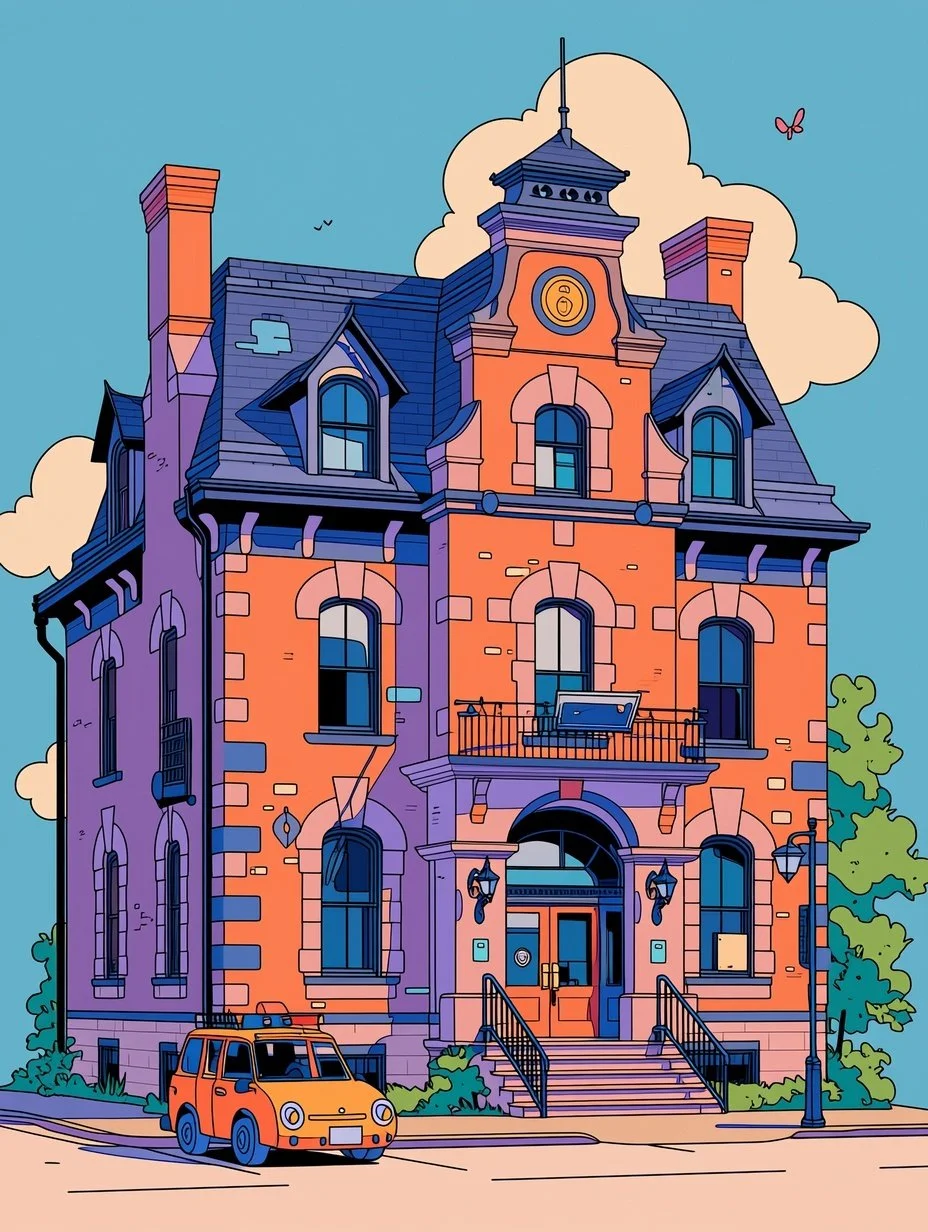
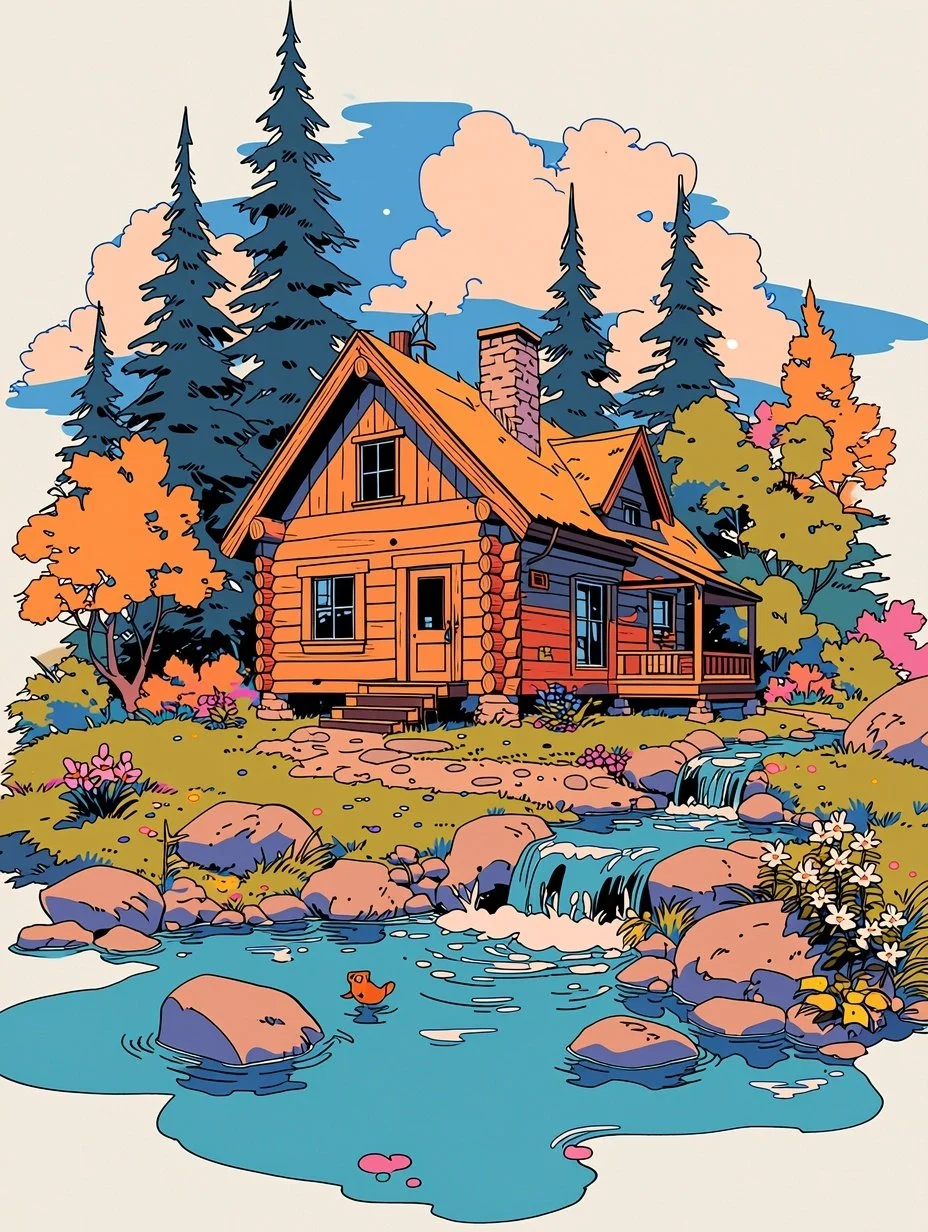
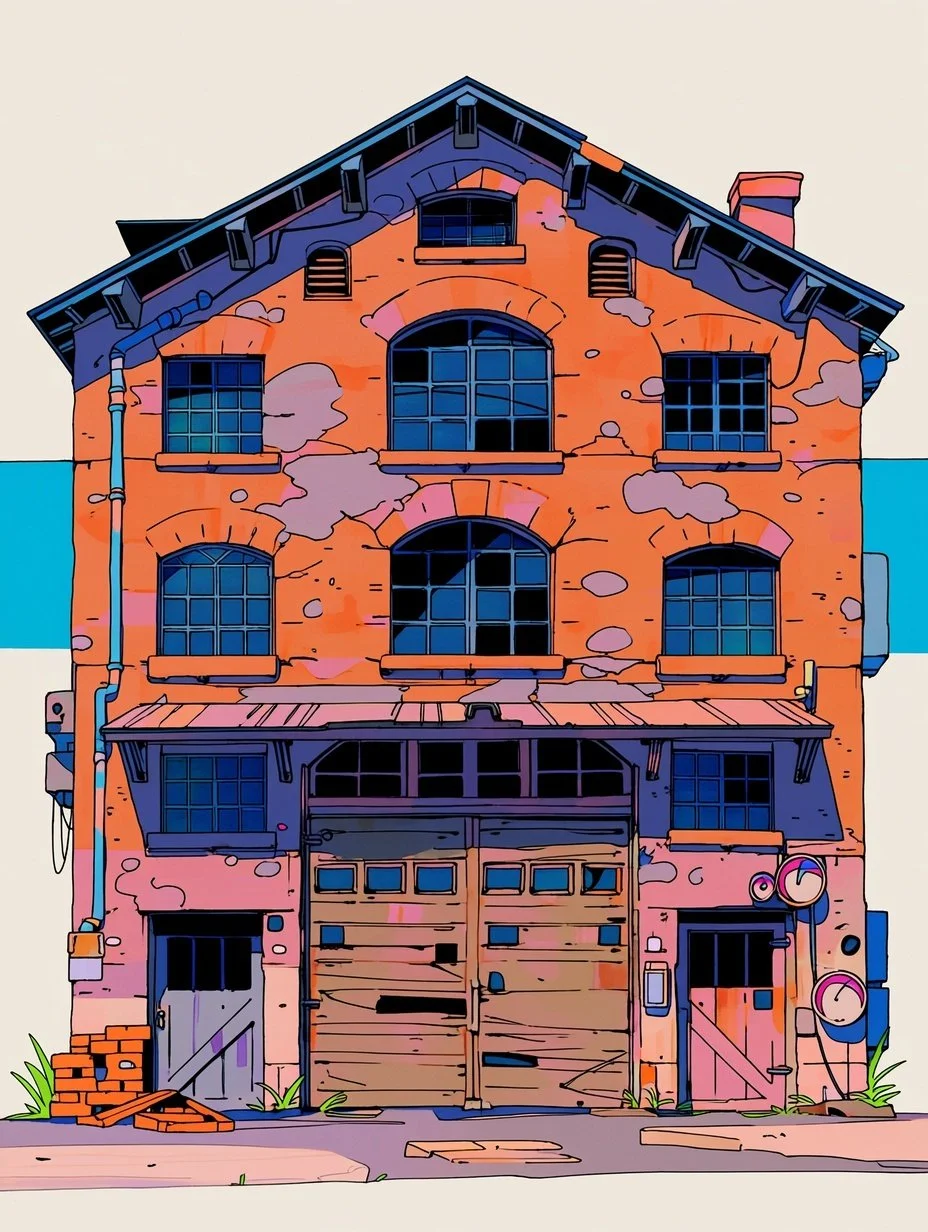
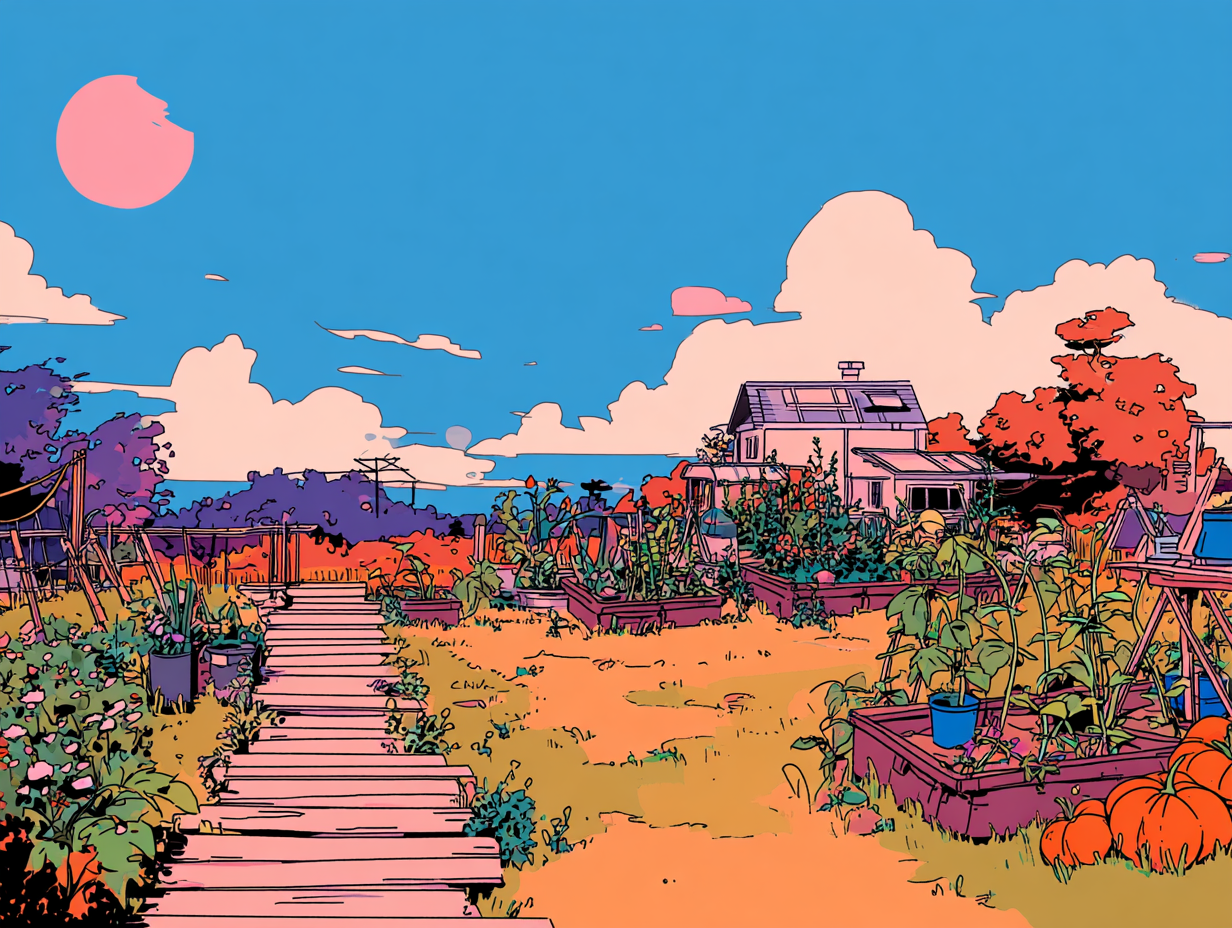
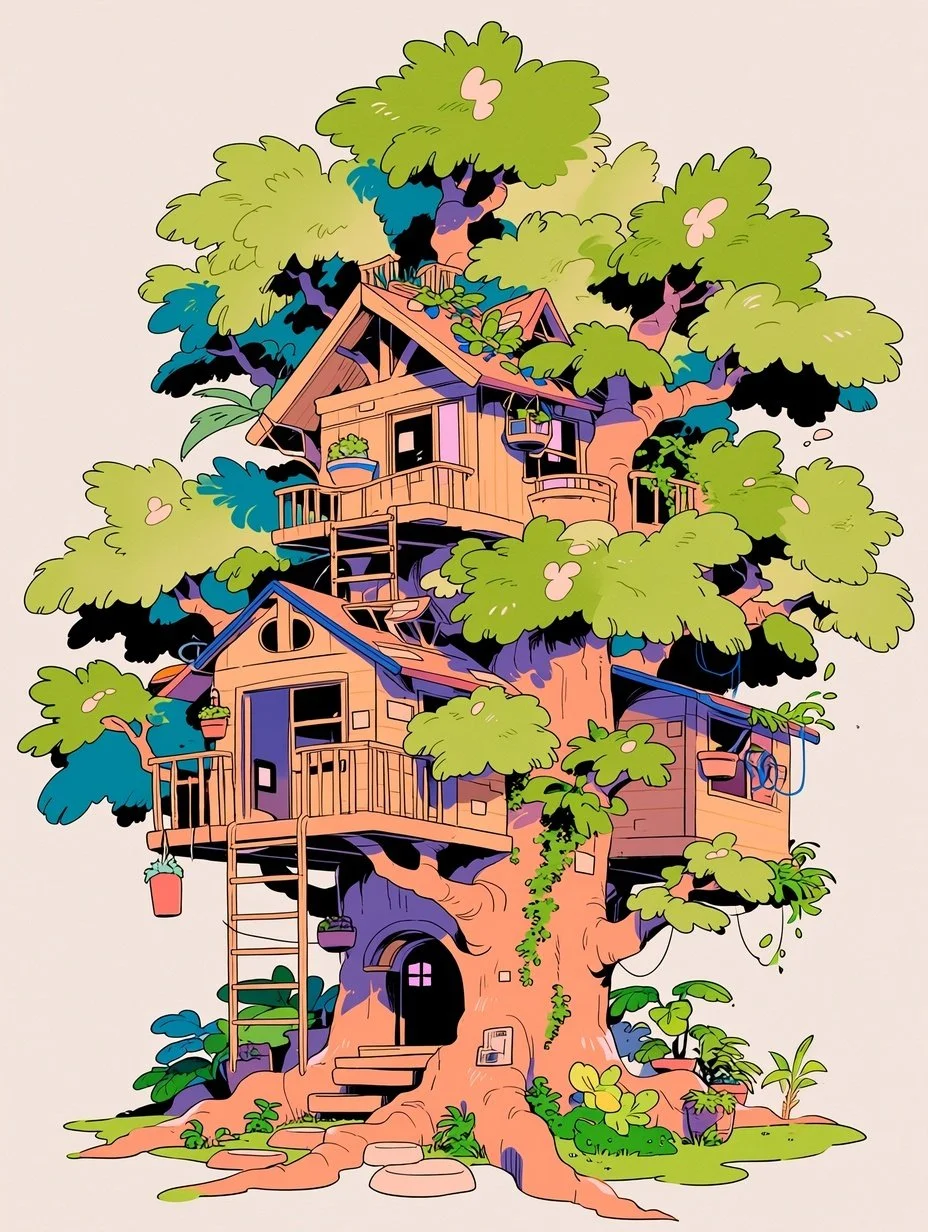

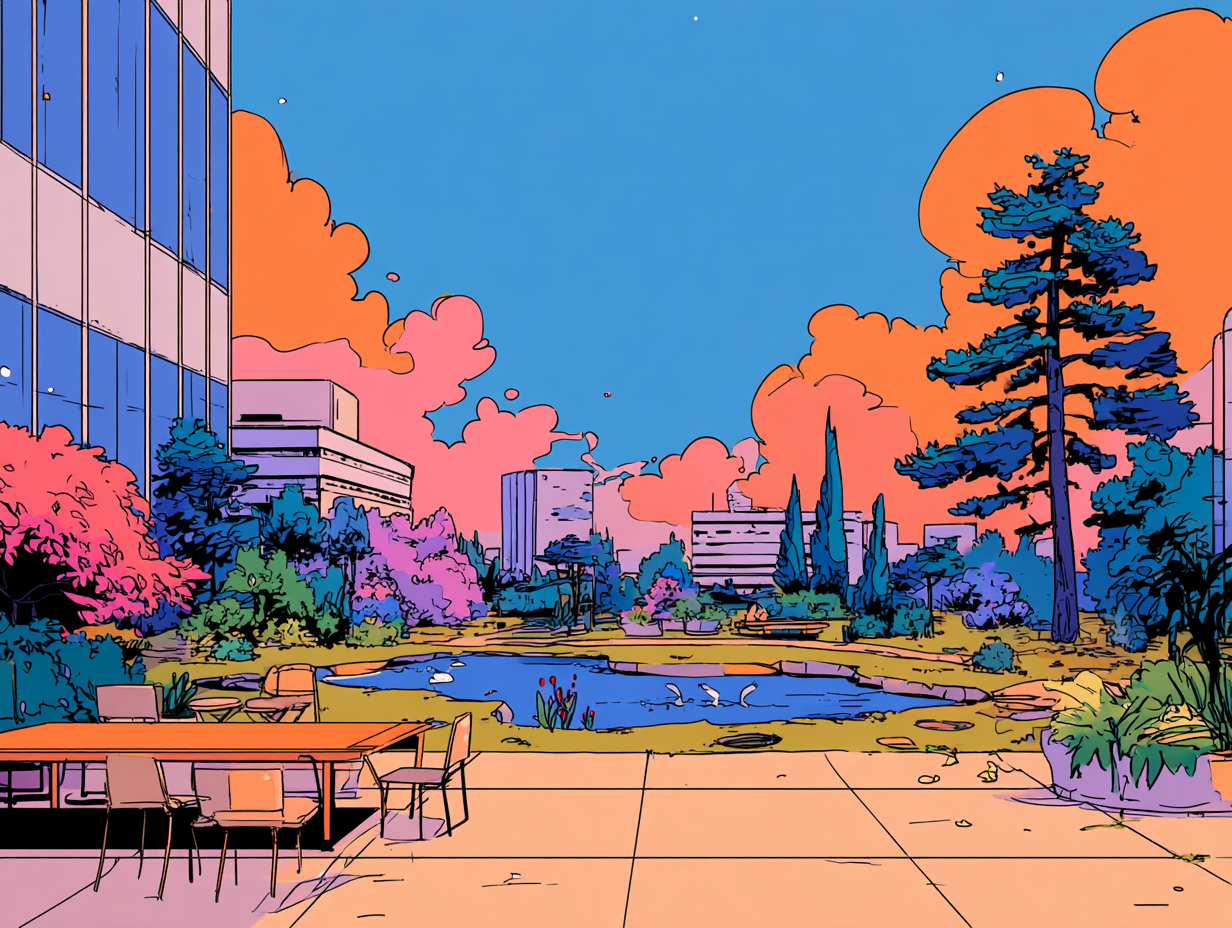
After nailing down the styles I was happy with, I trained some custom LoRAs that I could use in Krita along with FLUXto help me compose images. I use the app Draw Things to train LoRAs locally.
Tool Integration
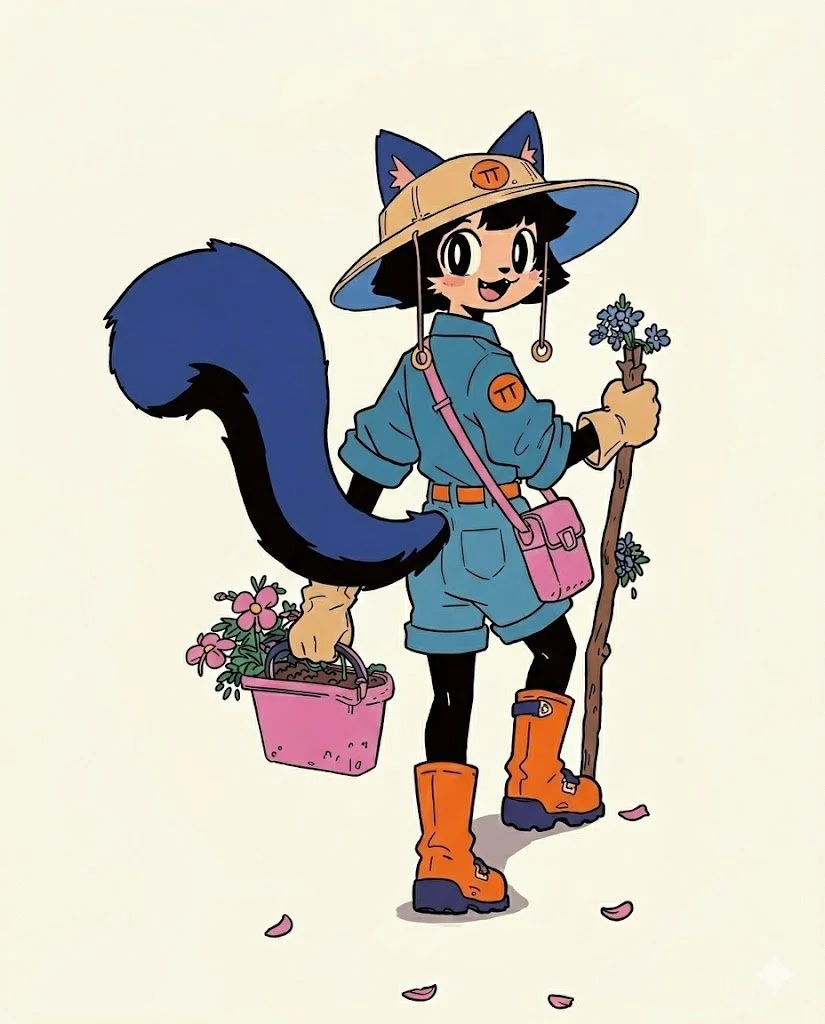
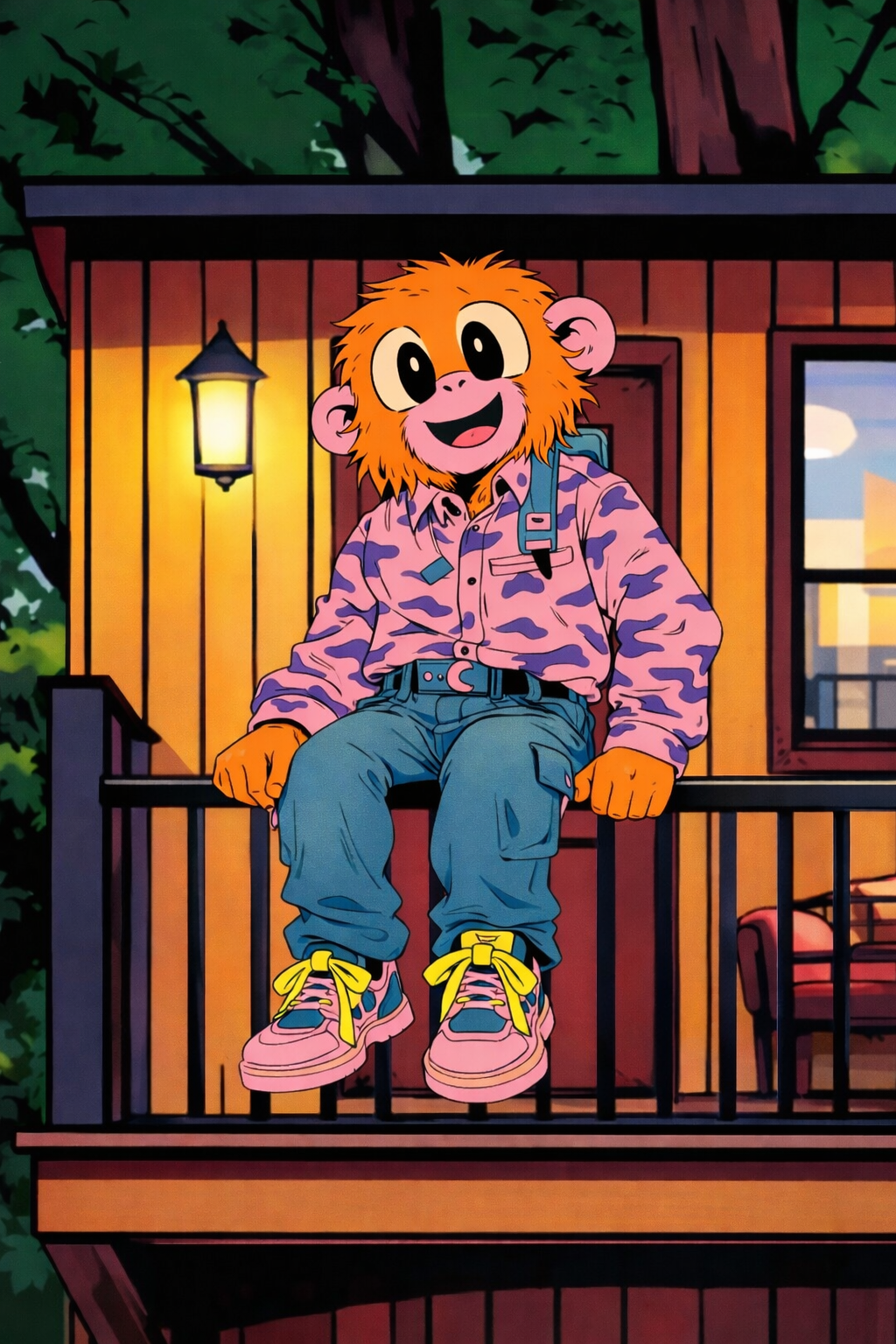
While Midjourney is great for style development, I found it lacking when it came to creating character sheets, as there isn’t enough consistency. Currently, I alternate between Gemini and ChatGPT for creating turnarounds and posing characters. For the background image on my profile, I used a combination of Gemini, ChatGPT, and Krita to create the final piece.
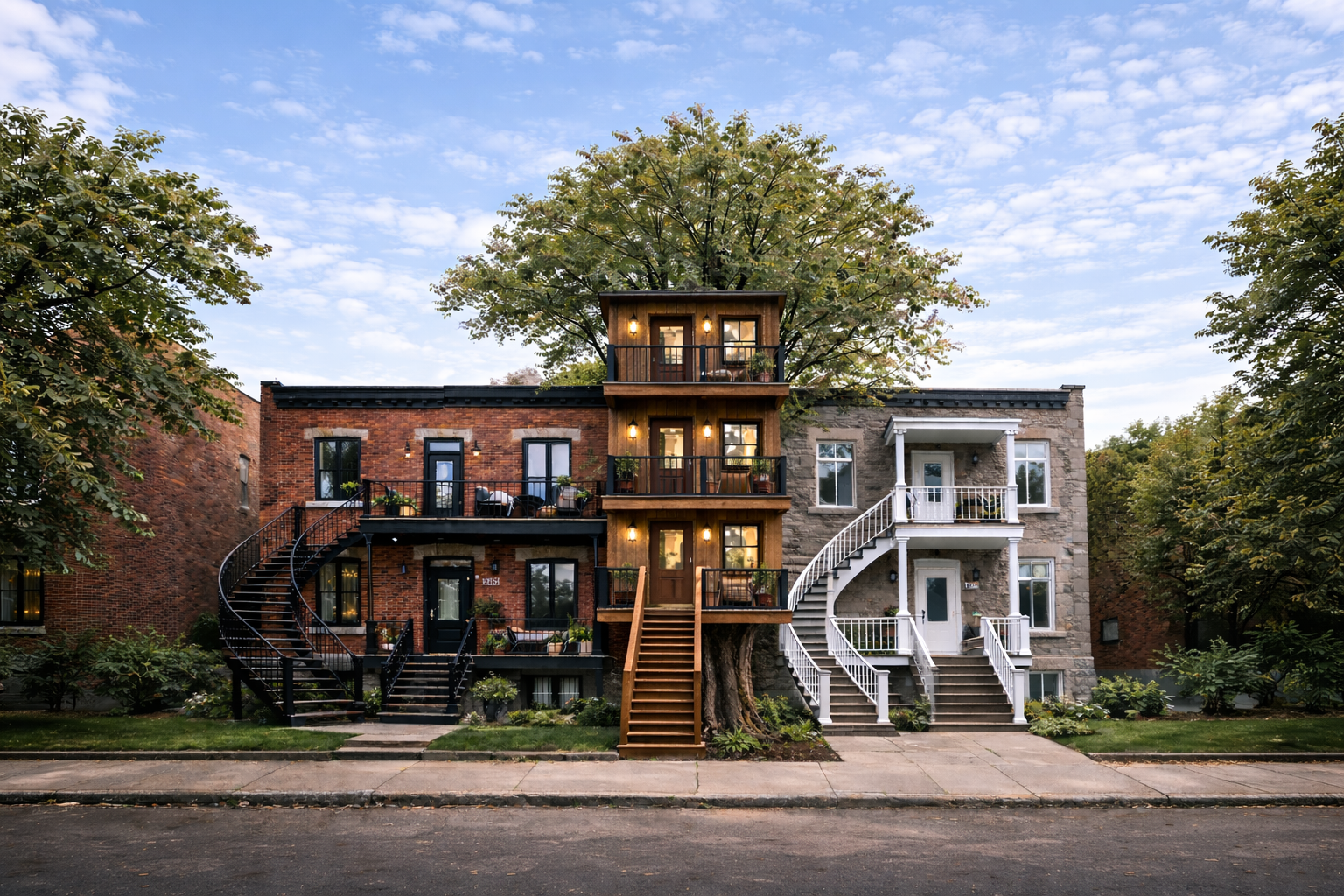
Using ChatGPT for the background.
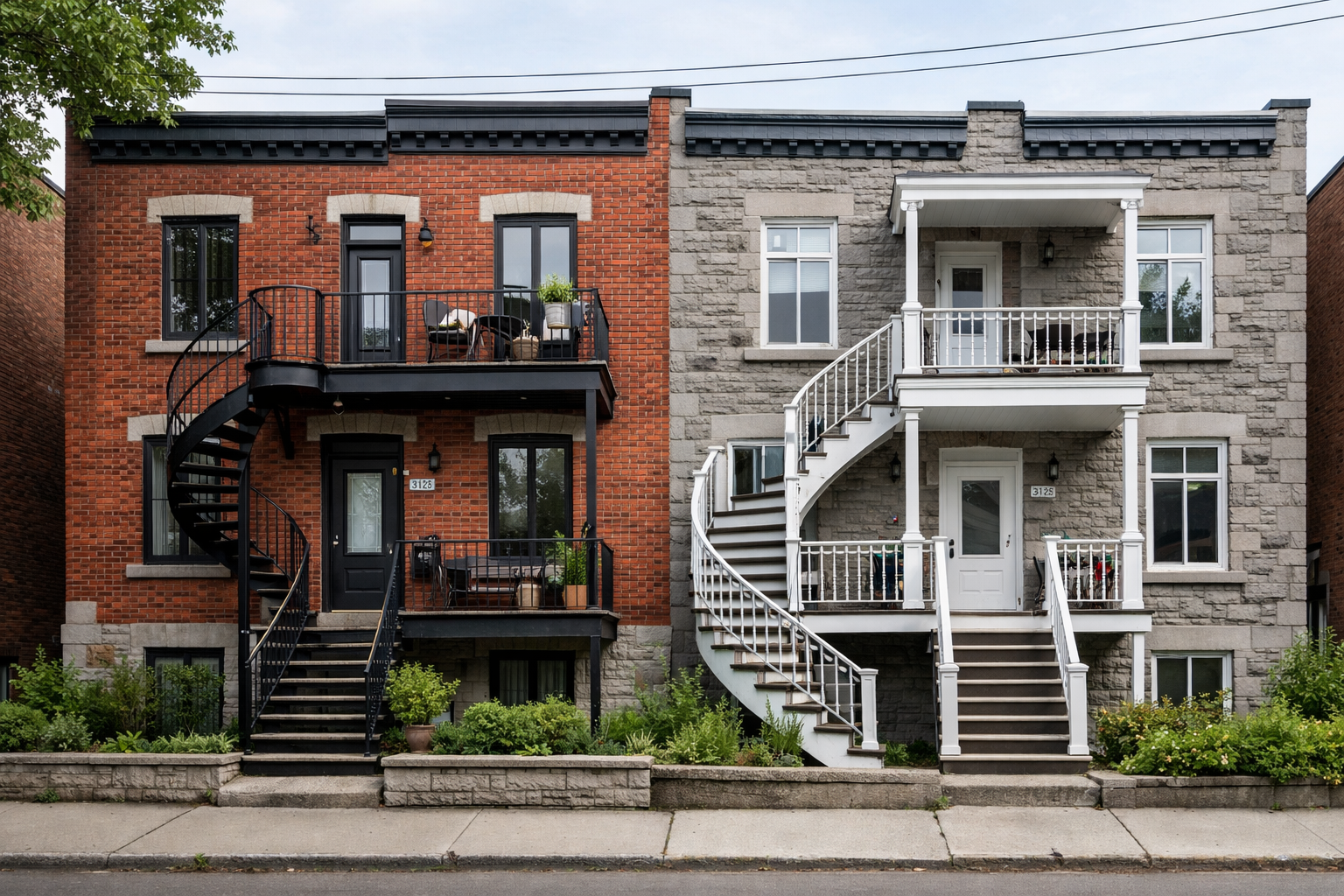
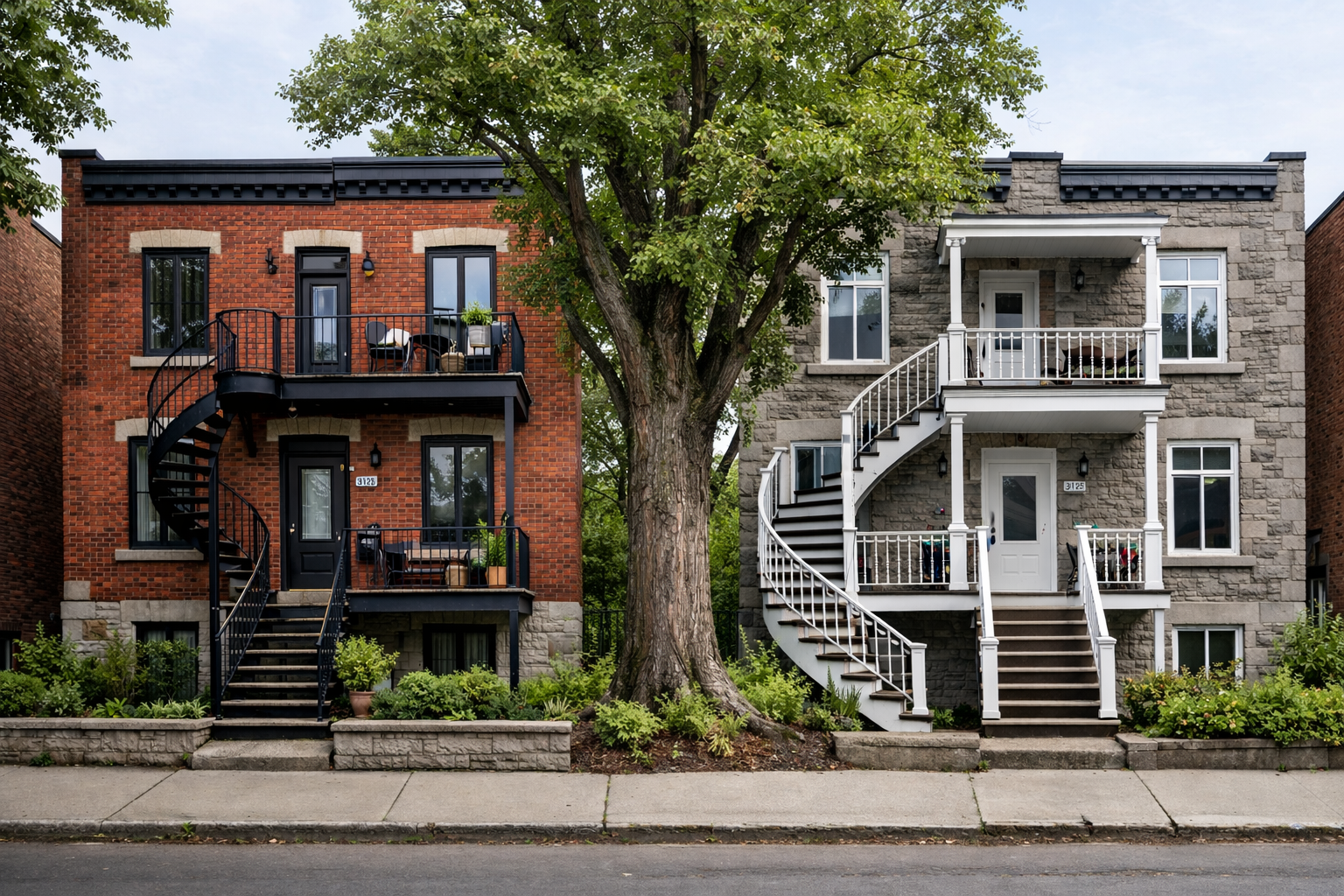
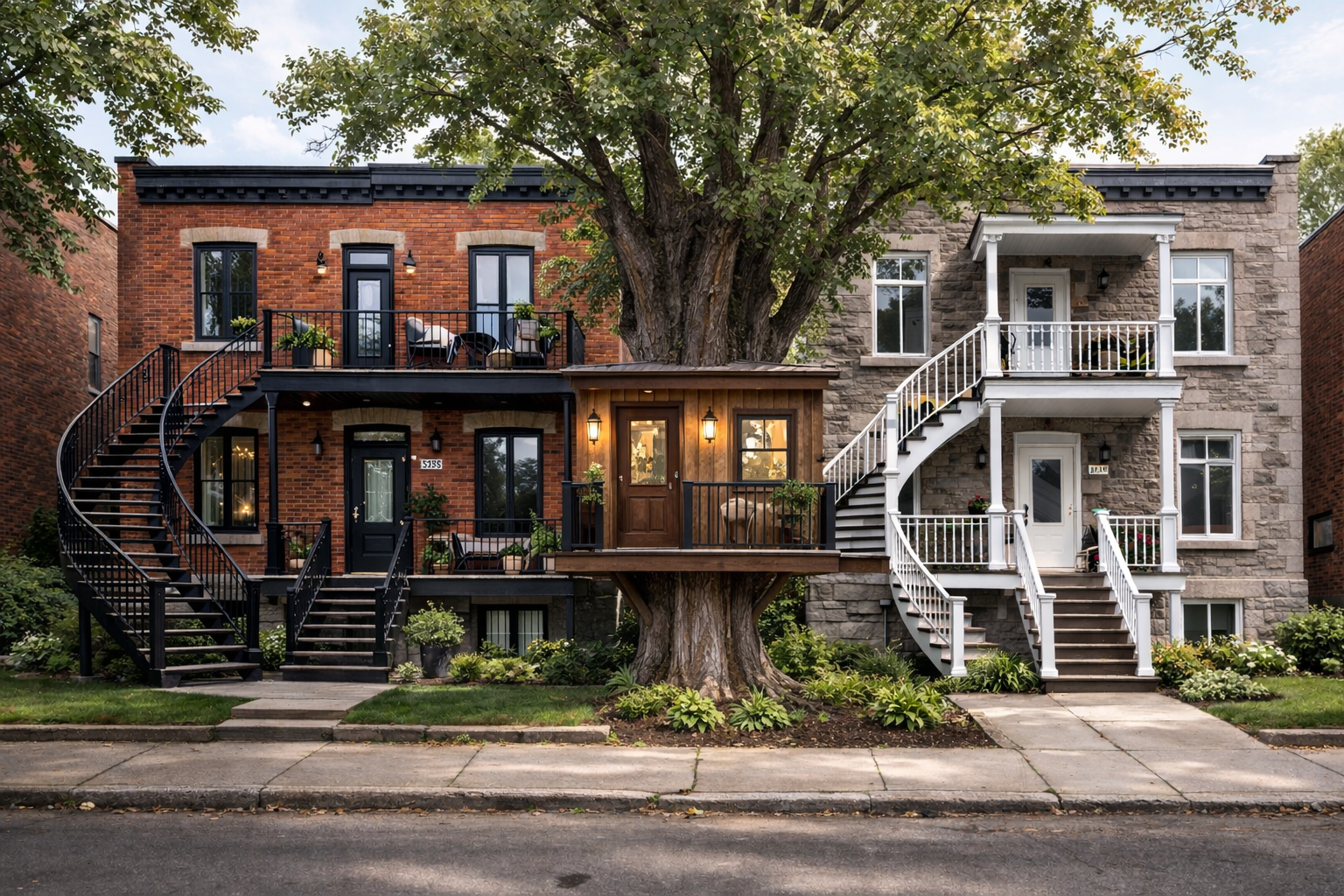
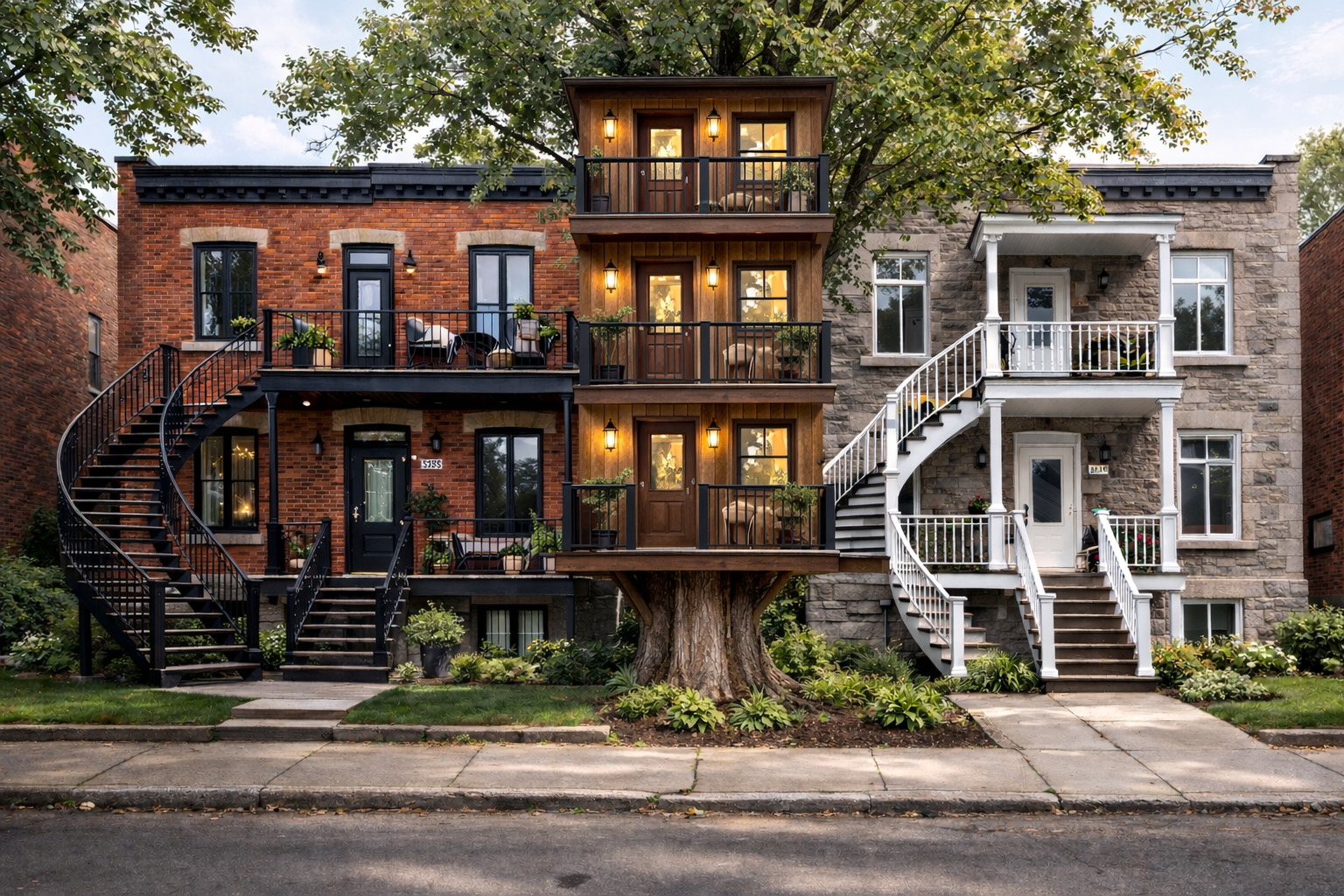
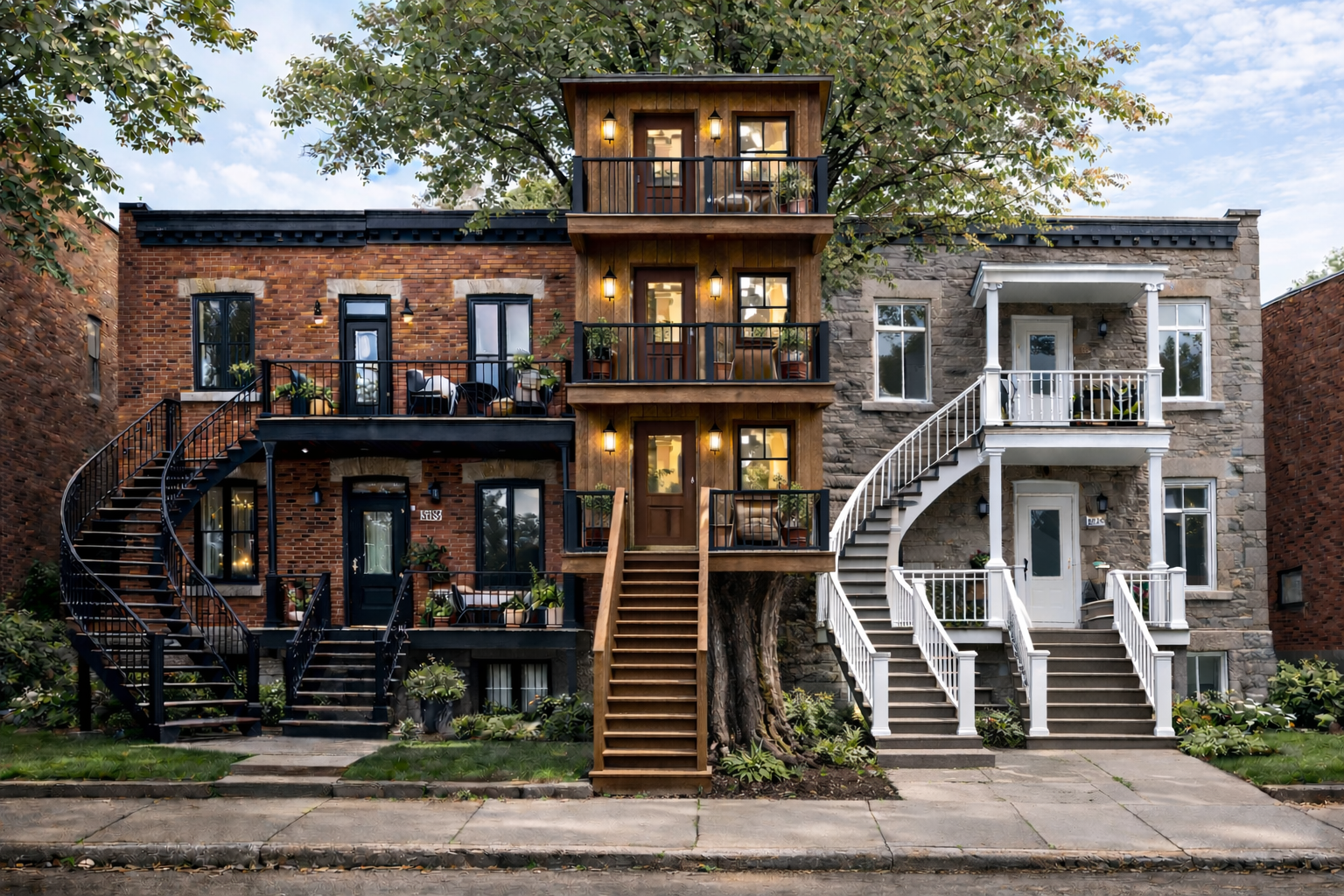
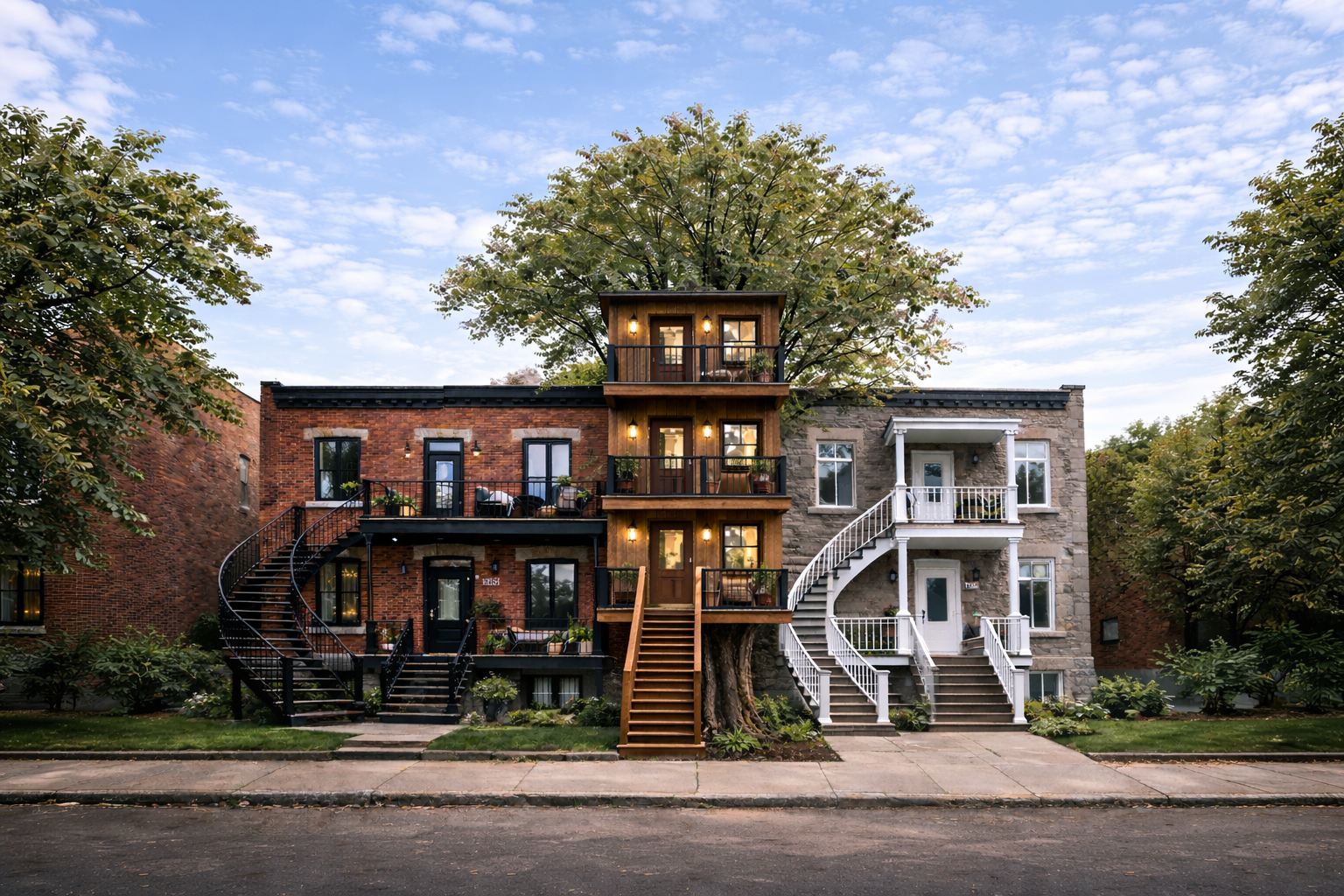
Chat GPT and Creating the Setting
I’m not totally sold on this process yet. It took a lot of iteration and work; I think next time, I will simply sketch the background myself and have the AI render it.
I haven’t included every iteration in the slideshow above, as it would be massive; this is just a sample of the process. I had ChatGPT work in a realistic style at first, as I find AI image generators often struggle to understand architectural logic. I found it easiest to work in a realistic style for now to establish the composition. In each image, you will see mistakes in small details, such as the furniture.
I started by having ChatGPT generate two duplexes in a Montreal-style architecture. I found it most efficient to give it small editing tasks one by one to maintain consistency. If you give it too many tasks in a single prompt, the LLM starts to go off the rails.
I then had ChatGPT add a tree in the middle, followed by the treehouse units one by one. I really had to keep re-prompting to ensure the architectural lines made sense, having the AI correct and add details incrementally. Once I was mostly happy with the layout, I saved the final image and brought it into Krita.
Collage & Krita
So, I made the mistake of merging the image with the characters without preserving a plain background; please bear with me as I break down the blocking process.
In Krita, I then stylized the background to fit the aesthetic I was going for with Borough. I would then screencap each part of the background where I wanted a character and use Gemini to pose them—referencing their character sheets—to block out the composition.
Both before and during the 'AI era,' I have worked professionally as a set designer, so I’m always thinking about the environment first and how the characters or actors interact with that space.
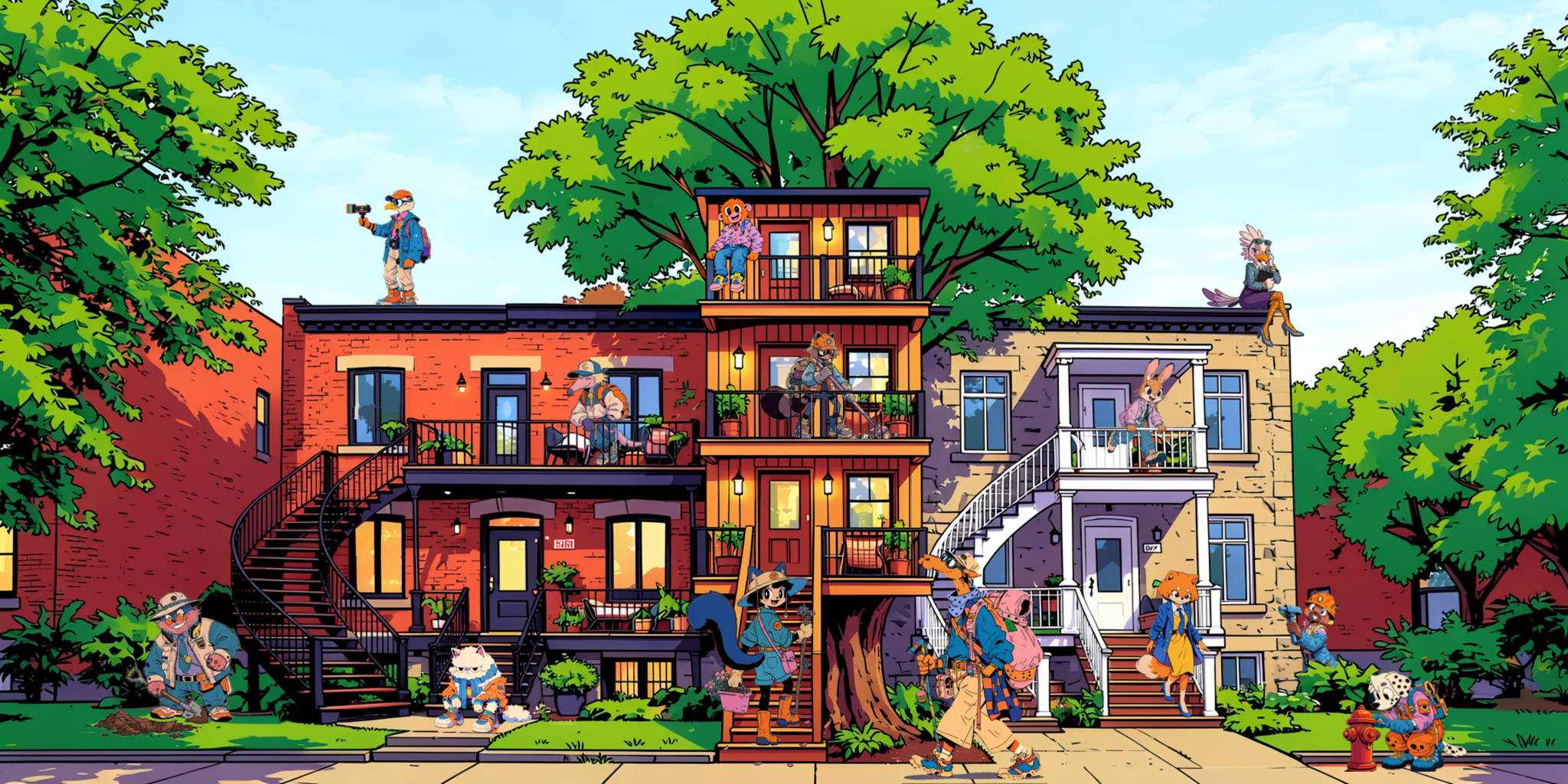
Refinement
Once all the characters were in place, I would go through and fix the lighting and furniture issues. I performed mini-diffusions throughout the image using FLUX and my custom LoRAs, which made the final result feel much more integrated.
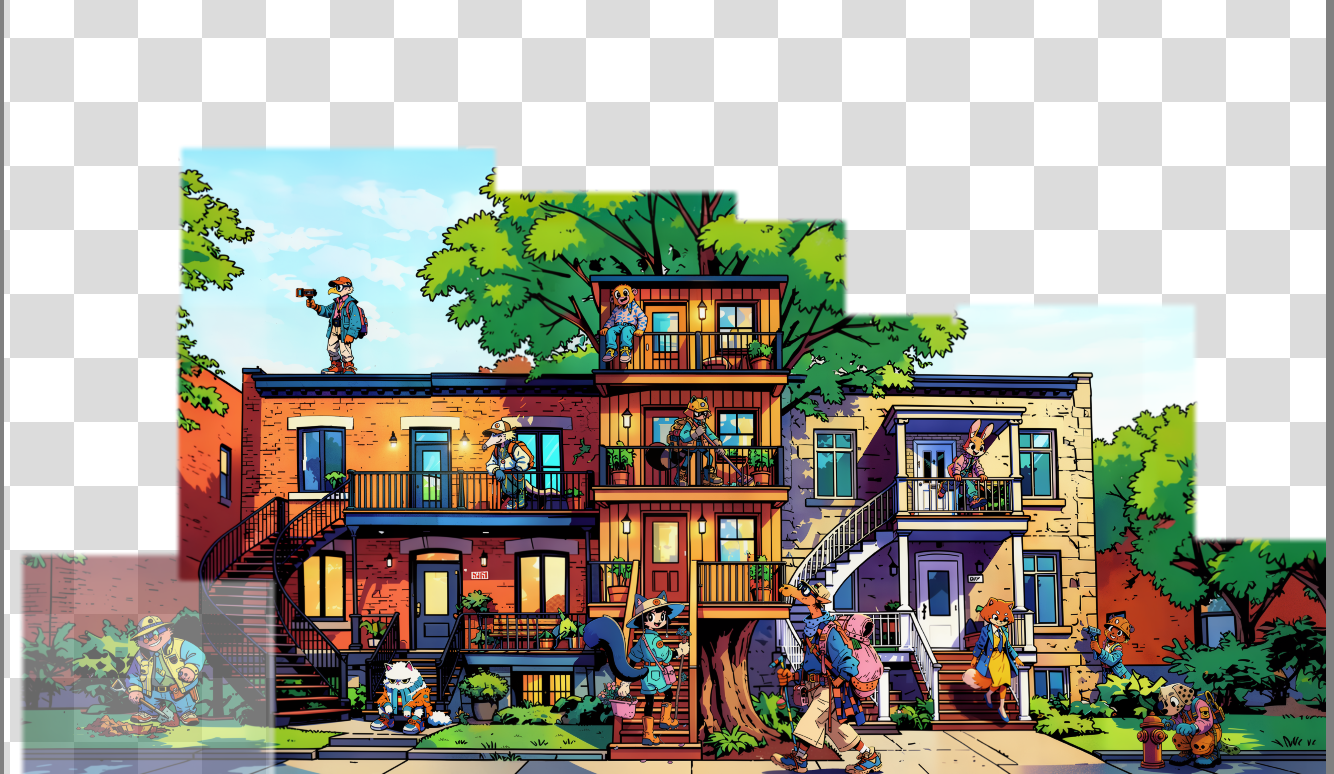
Here is a a screen grab off all the edited areas.
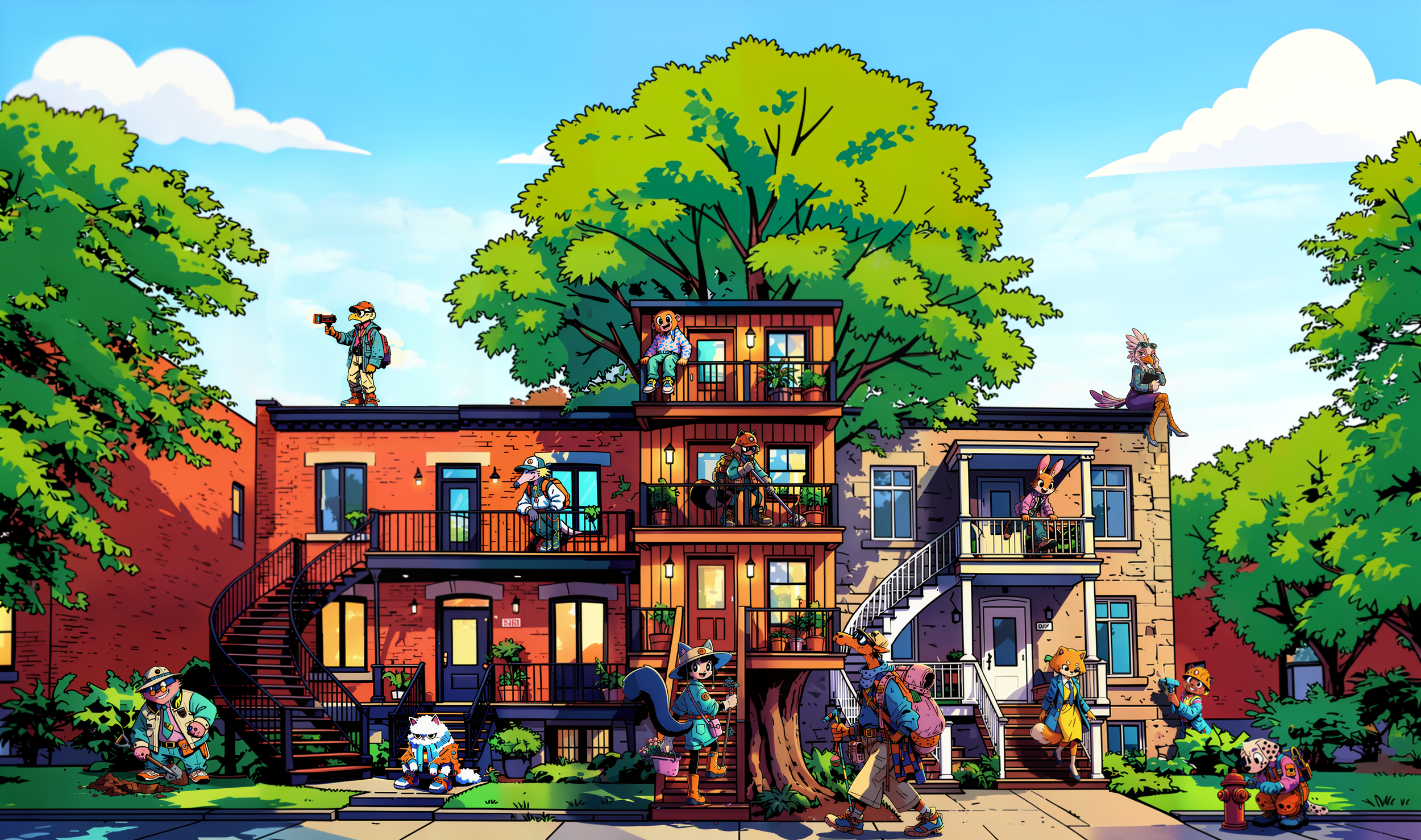
And Voila!
The final image (for now…I might change some more things)
Working with AI is an interesting process, as I have to let go of some control and work in a more directorial position—but as someone who has been drawing for 20+ years, it’s exciting at the same time. I find creating art with AI much more like working as a production designer or director; you are constantly giving instructions and refining. It is an extremely iterative process, and you have to enjoy some of the weird mistakes and 'happy little trees' it gives you.
This blog distills the days and hours I have spent working out this process, and I hope you find it interesting. I believe AI can be used creatively to improve workflows, especially for indie and solo studios that wouldn’t otherwise have the resources to achieve a larger scope. However, it is no substitute for good art direction.
I’m happy with where the visual style of Borough is going, and I am going to start working on 3D assets for testing. I will be developing player character customisation next.